

A better WFH setup does not necessarily mean replacing your entire desk or buying an expensive ergonomic chair. From giving your feet somewhere to rest to getting messy cables off the floor, these smaller Shopee finds can tackle the everyday annoyances that become very noticeable after eight hours at the computer.
1. SNB Ergonomic Posture Corrector Cushion
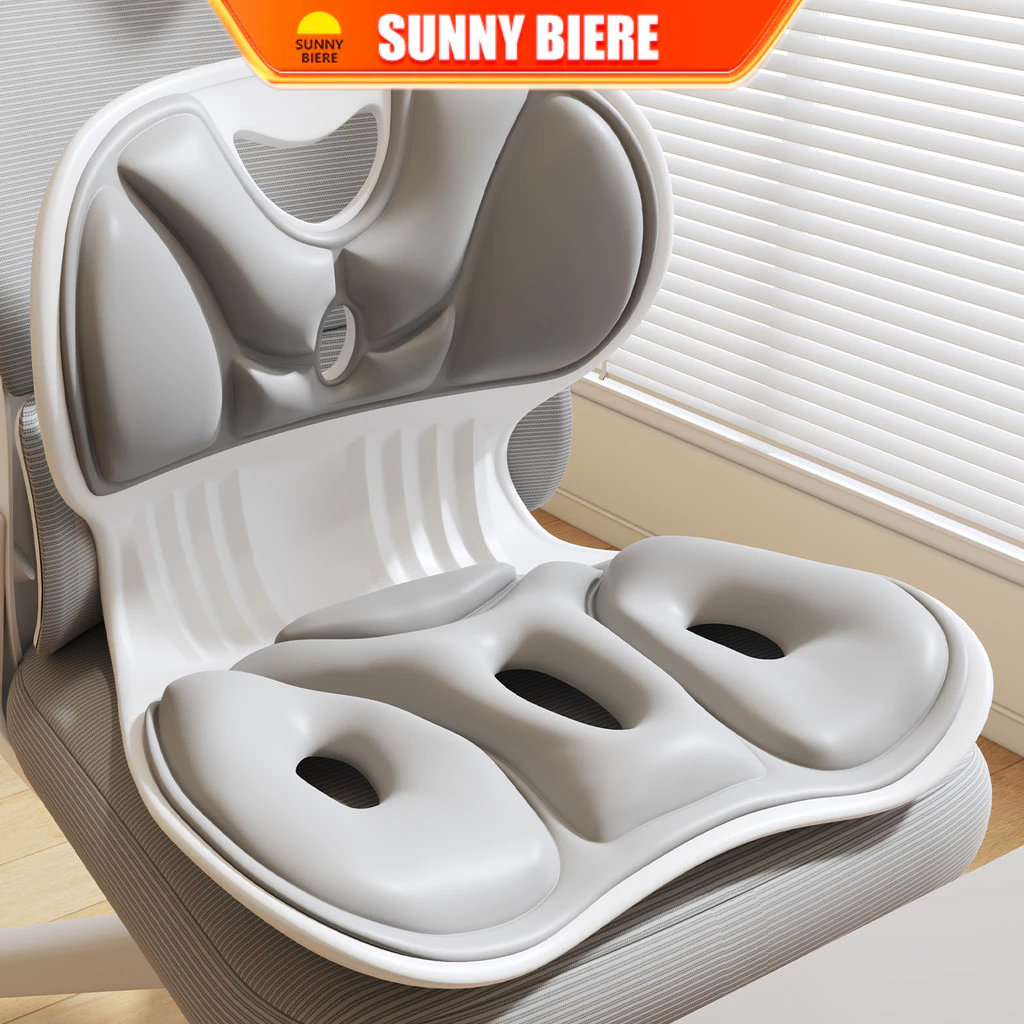
If your existing chair feels fine until hour three, this SNB cushion is a relatively simple way to add more support without replacing the chair itself. The listing describes it as an ergonomic posture-corrector cushion with lumbar support, so it is designed to sit against your back while you work. It is particularly relevant for anyone working from a basic dining chair or an office chair whose backrest does not provide much support.
Check out how much it costs: https://s.shopee.sg/2VsFxMaN8U
2. Portable Foot Hammock
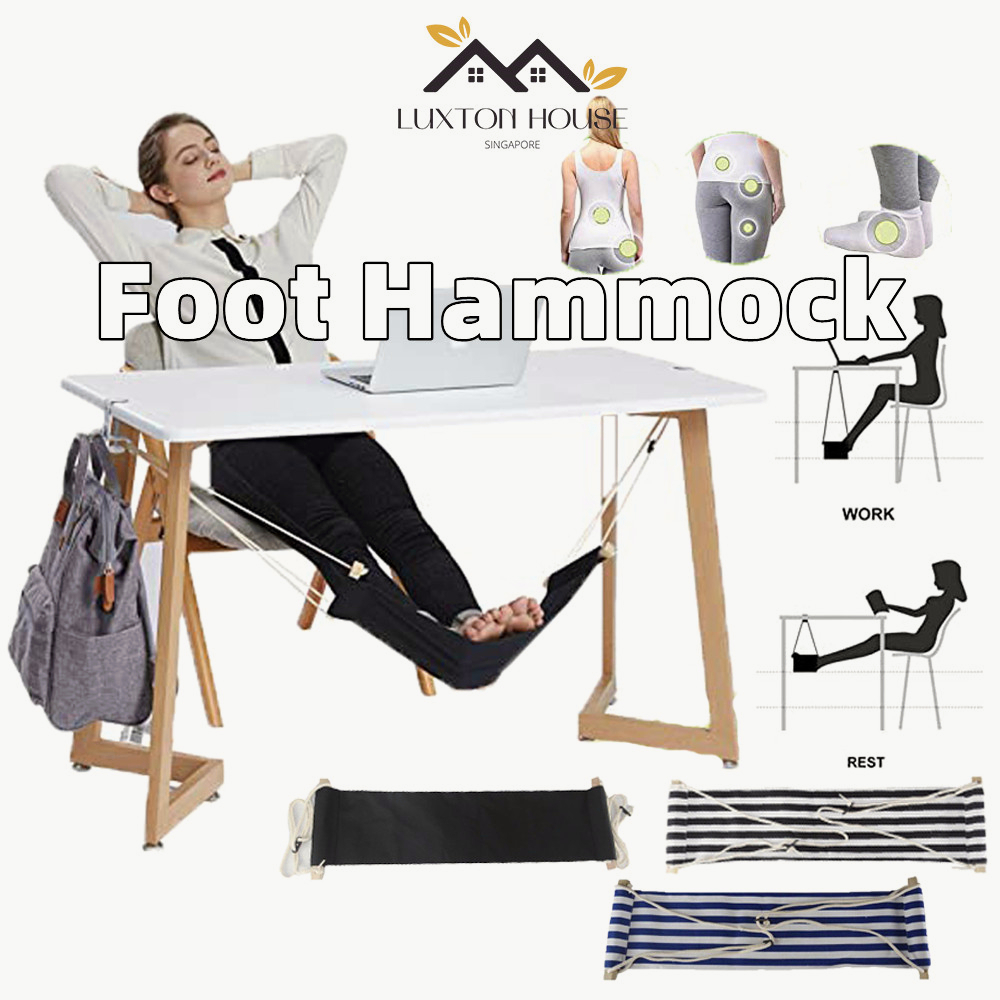
A foot hammock sounds like something your feet would request after becoming independently wealthy, but the concept is actually straightforward. It hangs beneath the desk to give your feet and lower legs an elevated place to rest while you work. Unlike a conventional footstool, the suspended design also keeps the floor beneath your workstation relatively uncluttered, which is useful when your Singapore WFH corner is basically one desk squeezed into a bedroom.
Check out how much it costs: https://s.shopee.sg/2LYpl3b0TT
3. GEESO Ergonomic Foot Stool
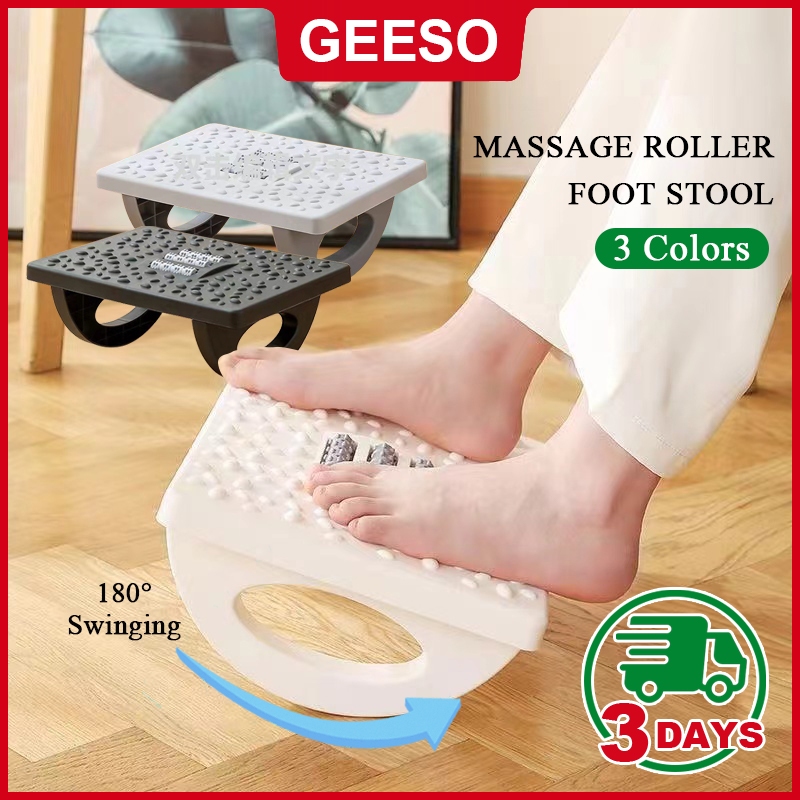
If dangling your feet from a hammock feels a little too adventurous for Excel, the GEESO Ergonomic Foot Stool is the more conventional alternative. The product is designed for placement beneath a desk and features a platform that can swing through 180 degrees, together with massage rollers for your feet. It also has an anti-slip design, making this a surprisingly feature-packed upgrade for the forgotten territory underneath your desk.
Check out how much it costs: https://s.shopee.sg/1VzilWeBAK
4. HXR Wooden Laptop Stand
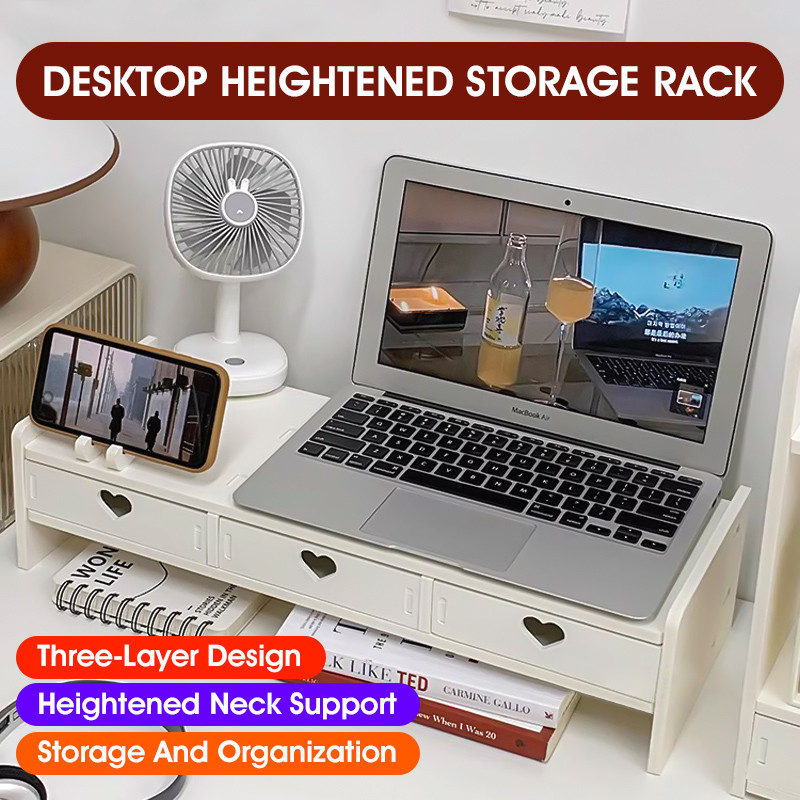
The HXR Wooden Laptop Stand tackles two desk problems at once. It raises a laptop or monitor higher off the desk while providing a drawer underneath for storing smaller items. That makes it useful if your table has slowly accumulated charging cables, stationery and other miscellaneous objects that apparently reproduce overnight. The wooden construction also gives it a more furniture-like appearance than the usual plastic or metal computer accessories.
Check out how much it costs: https://s.shopee.sg/1LgIZDeoVJ
5. Under Desk Cable Organizer
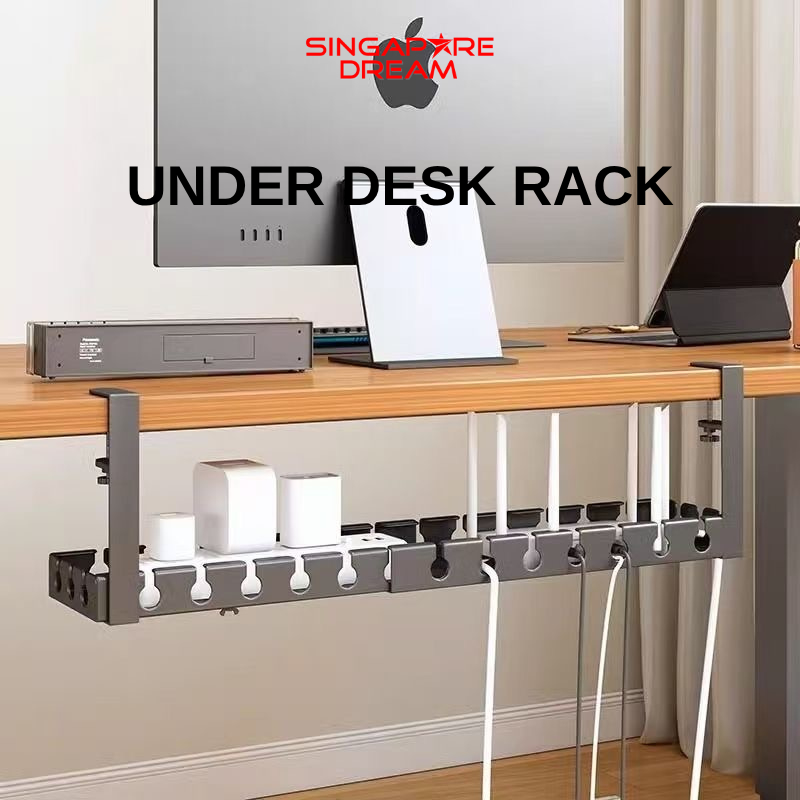
A desk can look beautifully minimalist from the front while hiding a small electrical jungle underneath. An under-desk cable organiser provides a dedicated place for cables and related power accessories instead of letting everything hang towards the floor. Beyond making your workstation look neater, getting those wires out of the way also makes the area beneath the desk easier to clean, which anyone dealing with Singapore’s astonishingly productive dust will appreciate.
Check out how much it costs: https://s.shopee.sg/1qcZA8cuUQ
6. SUHUHD L-Shaped Desk Elbow Pad
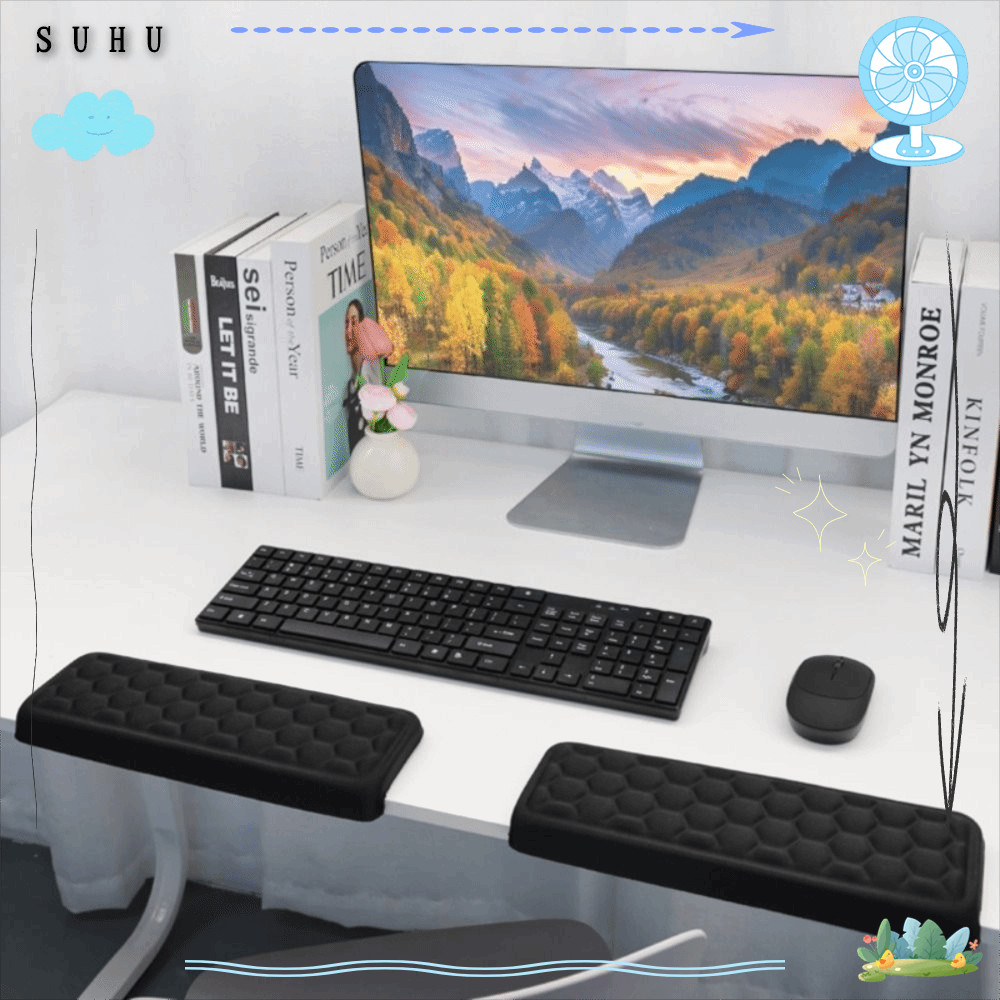
The edge of a desk is one of those things you barely notice until your arm has been resting against it for an entire afternoon. This SUHUHD L-shaped pad is designed to cushion the desk edge around the area where your arm and elbow rest. It is a particularly sensible addition for people whose tables have hard or sharply defined edges, and it upgrades the part of your desk that is physically in contact with you without taking up much working space.
Check out how much it costs: https://s.shopee.sg/2BFPYhmCbq
7. Hagibis Keyboard Wrist Rest
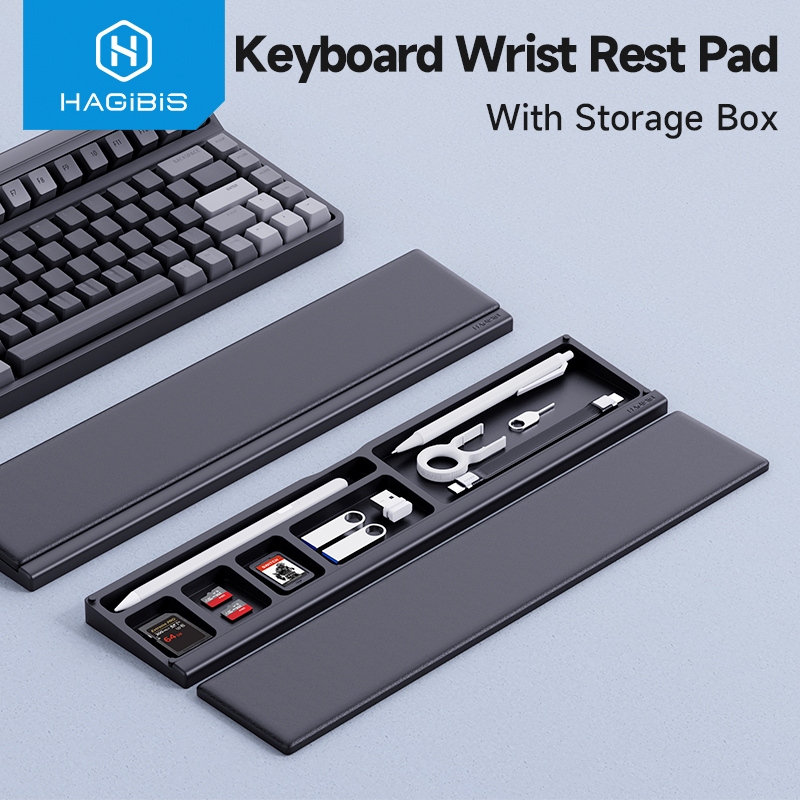
If your job involves spending most of the day typing, a wrist rest is one of the smaller accessories that can make the keyboard area feel more comfortable. This Hagibis model sits in front of the keyboard to provide a resting surface when you are not actively typing. It is also an easy addition to a compact WFH setup because you do not need to reorganise the entire desk just to accommodate it.
Check out how much it costs: https://s.shopee.sg/20vzMOmpwp
8. Vention Monitor Light Bar
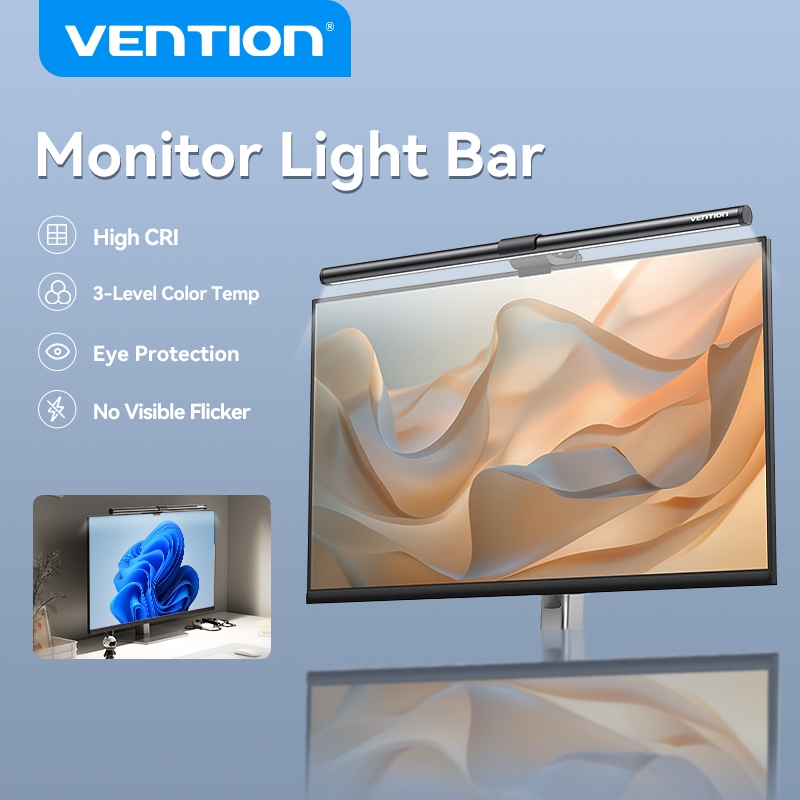
Instead of sacrificing another patch of desk space to a conventional lamp, Vention’s light bar sits on the monitor itself and illuminates the work area below. The listing offers three colour modes and adjustable lighting, so you can change the illumination depending on whether you are working, reading or staring at one final spreadsheet long after everyone else has logged off. Its monitor-mounted format is especially handy for smaller desks where every centimetre counts.
Check out how much it costs: https://s.shopee.sg/1qcZA5nTHo
9. Monitor Paper Holder Clip
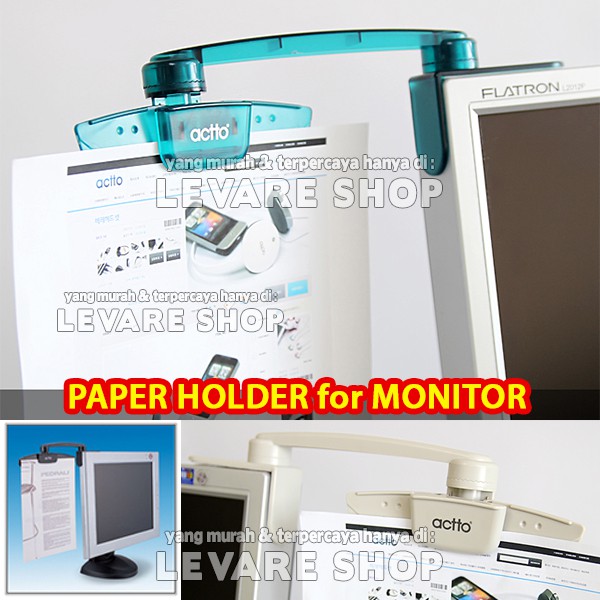
This is a pleasingly low-tech solution to a very specific problem. A monitor paper holder clip keeps a document beside your screen so you can refer to it without repeatedly looking down at the desk. That can be useful when entering figures, transcribing notes or referring to a printed document while working digitally. It also saves you from trying to prop a sheet of paper against your keyboard, where it will inevitably slide down at the worst possible moment.
Check out how much it costs: https://s.shopee.sg/1gJ8xmo6cn
10. GXM HM-02 Cordless Humidifier
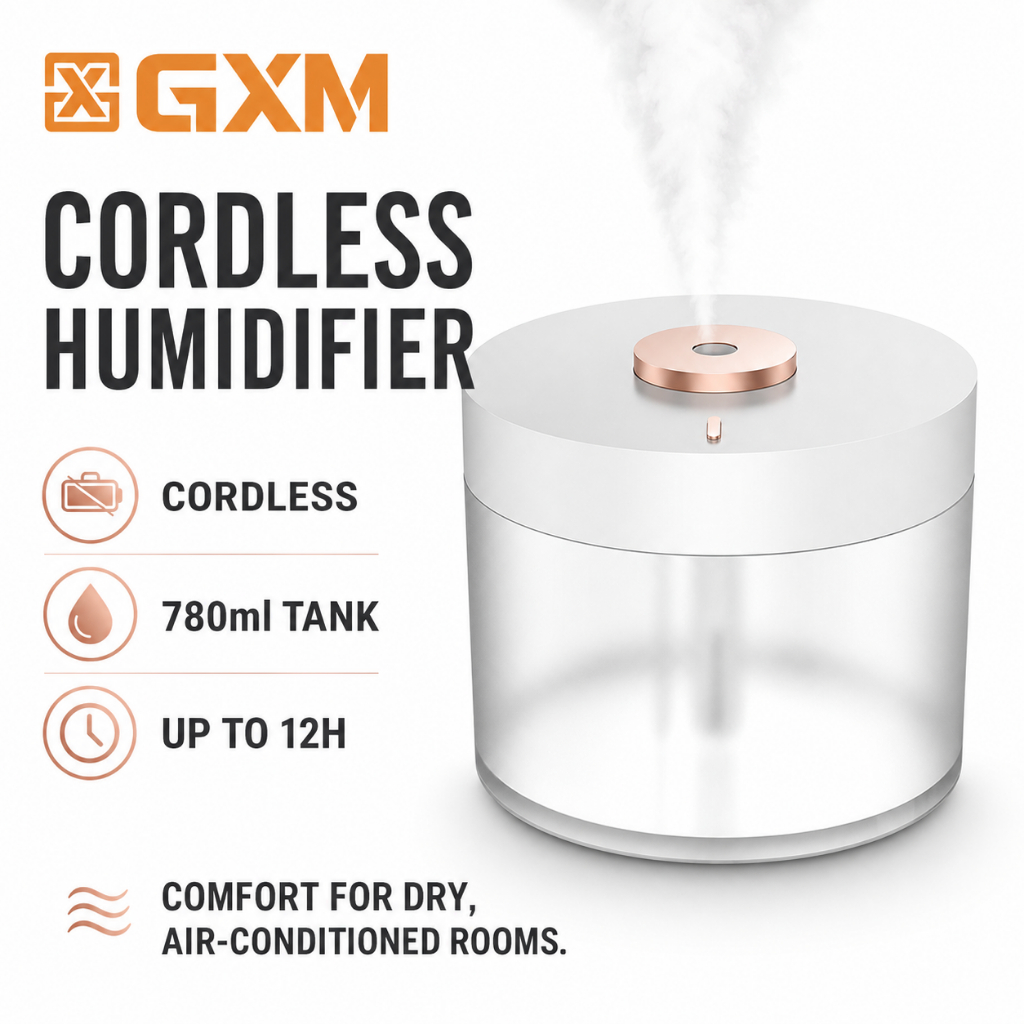
Singapore itself hardly needs help becoming humid, but an air-conditioned room can be a different story. The GXM HM-02 is a cordless, rechargeable cool-mist humidifier with a 780ml capacity and ambient lighting, according to the listing. Its cordless design makes it easy to position around a desk without contributing another permanent cable to your setup, and it could be particularly useful for people who spend long stretches working in strongly air-conditioned rooms.
Check out how much it costs: https://s.shopee.sg/1VzilTojxm

