

If you regularly eat kaya toast, biscuits or curry puffs at your desk, your keyboard probably knows your breakfast order. These 10 tech-cleaning finds cover everything from loose crumbs to screen smudges, with a few options for keeping the next round of mess under control.
1. Keyboard Cleaning Brush

This keyboard cleaning brush set is a straightforward starting point for loose crumbs and dust around your keys. It comes with several brushes in different sizes (colours are random), so the bristles can sweep along the gaps that a quick wipe across the top tends to miss.
Keep it near your workstation for a quick clean after snacks, especially if your desk doubles as your lunch table. Switch off or disconnect the keyboard first, then use light strokes.
Check out how much it costs here: https://s.shopee.sg/2gBt9bcZPk
2. Rubber Bulb Air Blower
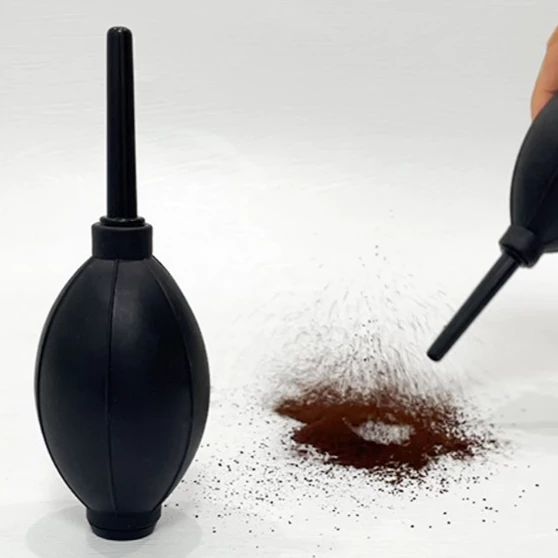
This rubber bulb blower produces a puff of air when squeezed, giving you a manual way to shift loose dust from awkward corners. There is no battery to charge before getting started.
It is useful for dust that is difficult to reach with a cloth. Work towards an open edge so the debris has somewhere to go, and keep the nozzle from touching delicate parts.
Check out how much it costs here: https://s.shopee.sg/4fwxXLSeYS
3. ULTI Screen Cleaner Spray PRO With Microfibre Cloth
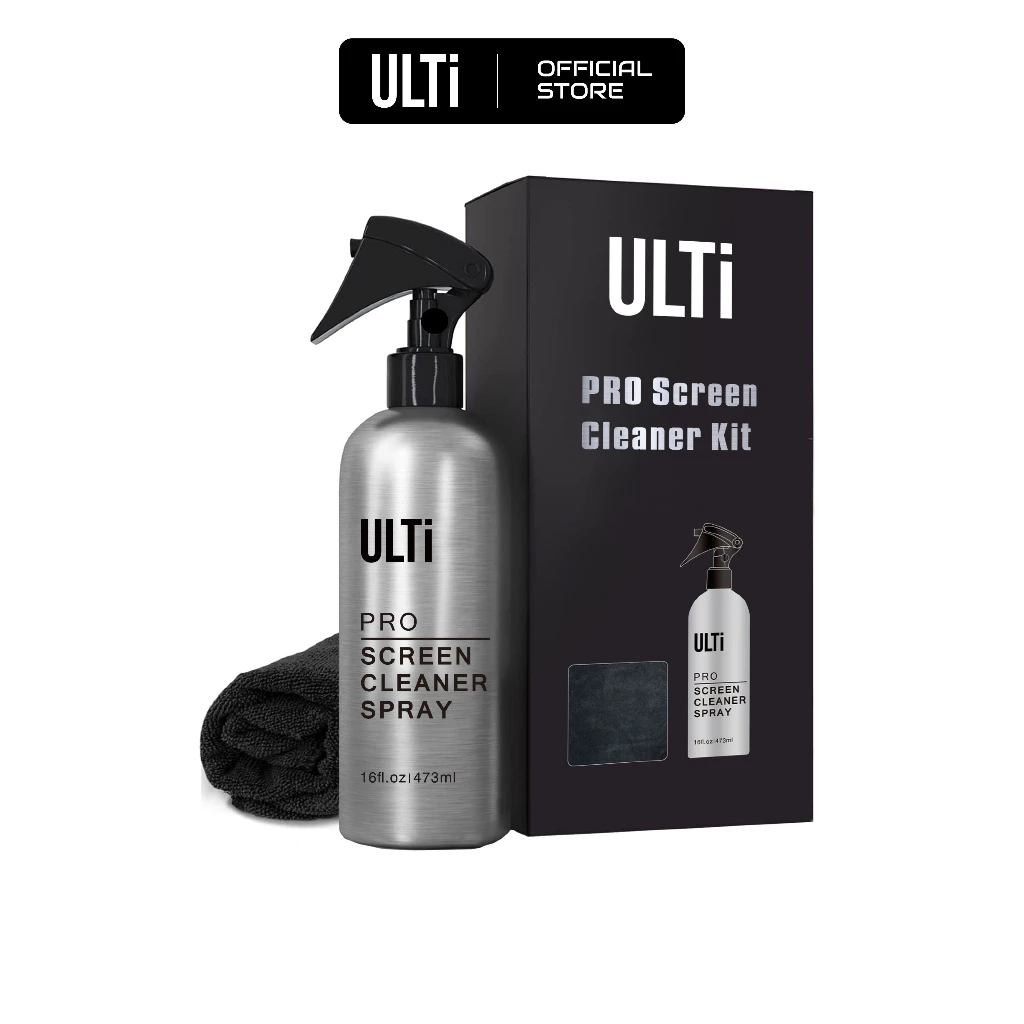
Keyboard crumbs are only half the story when your monitor also has fingerprints from everyone pointing at your spreadsheet. ULTI’s PRO kit pairs a 473ml bottle of screen cleaner with a microfibre cloth, and the brand lists the formula as alcohol-free and ammonia-free.
The included cloth means you have a dedicated wiping option ready beside the spray. Check your screen manufacturer’s cleaning instructions before using a solution, particularly on displays with special coatings.
Check out how much it costs here: https://s.shopee.sg/6VObinyHaQ
4. 2-in-1 Stainless Steel Keycap Puller
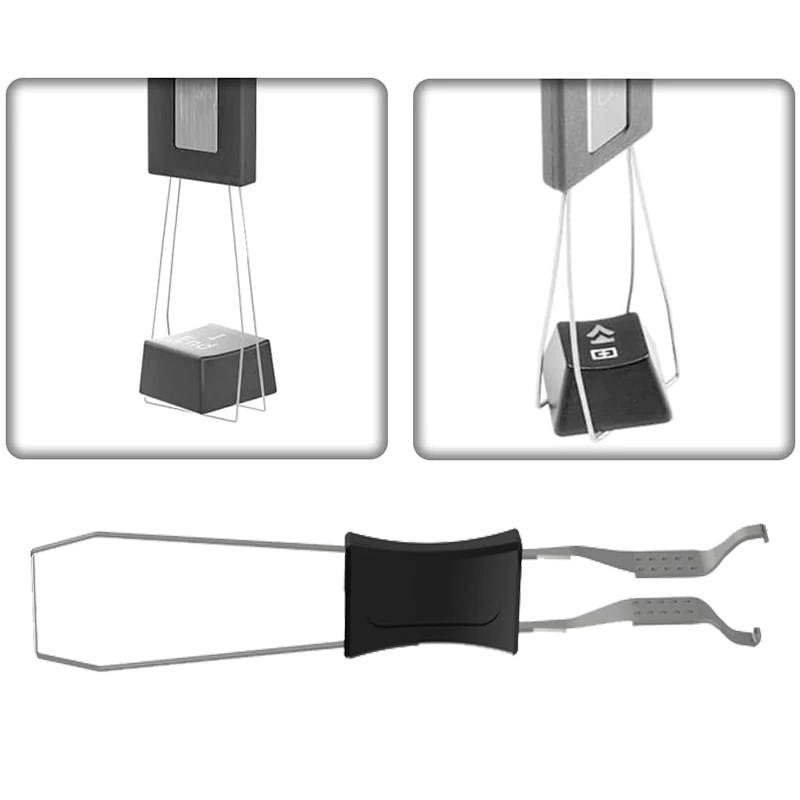
For keyboards with removable keycaps, this puller helps you access the area underneath, where surface brushing cannot reach. It is worth considering when biscuit crumbs have settled below the keys.
Check that your keyboard supports keycap removal before using it, especially if you normally type on a laptop. Take a photo of the layout first so putting everything back does not become an unexpected memory test.
Check out how much it costs here: https://s.shopee.sg/6AllKEc4AM
5. Earbuds Cleaning Pen
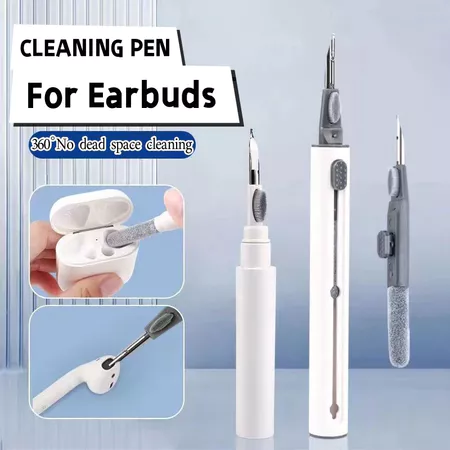
Your earbuds spend plenty of time travelling between your ears, their case and your bag. This cleaning pen is useful for more targeted cleaning around the small areas that are awkward to reach with a full-sized cloth, with a metal tip for stubborn gunk, a soft brush for dust and a flocking sponge for wiping down the charging case.
Keep it with your earbuds so you can check for visible build-up regularly. Follow your earbuds’ cleaning guidance and avoid pushing debris further into the speaker mesh.
Check out how much it costs here: https://s.shopee.sg/6AllKIZ0U6
6. Super Clean Cleaning Gel
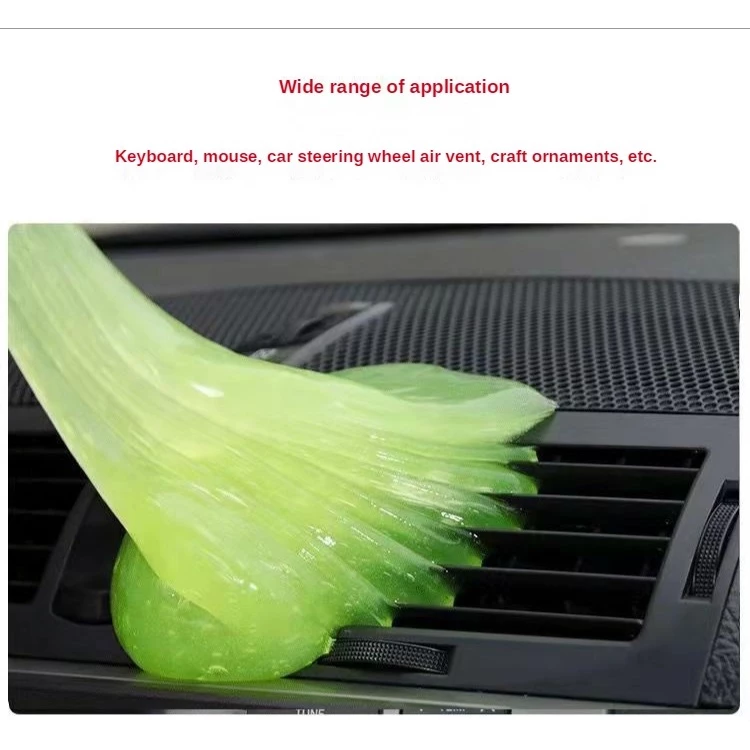
Super Clean cleaning gel offers a different approach to loose dust: it is designed to pick up debris by making contact with the surface. That makes it an option for awkward spaces around keyboard keys.
Use it according to the pack’s directions, without forcing it deep into openings. Save this one for loose dirt rather than expecting it to deal with the sticky aftermath of a spilled kopi.
Check out how much it costs here: https://s.shopee.sg/3Vl09T9JeZ
7. MacBook TPU Keyboard Cover
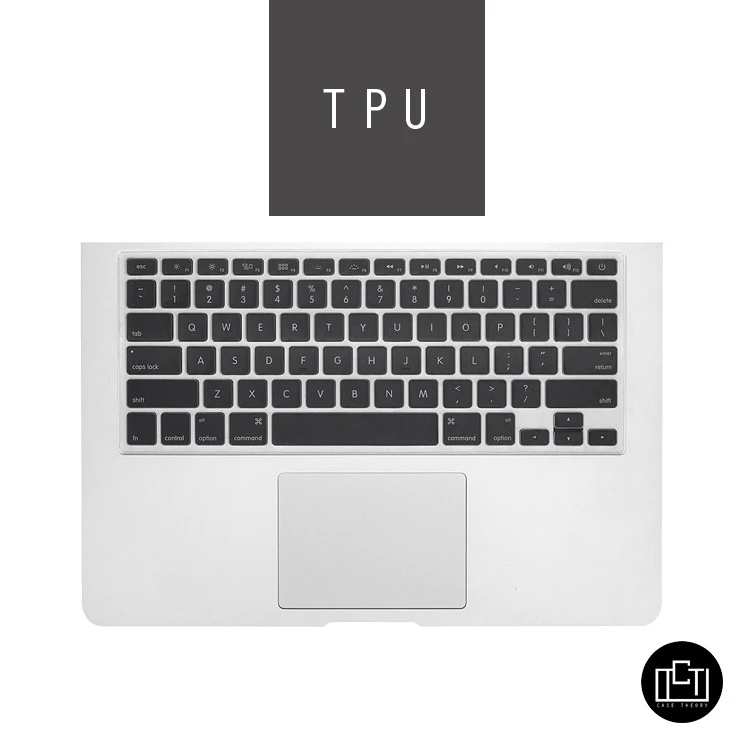
A keyboard cover adds a removable layer over your MacBook’s keys, helping intercept crumbs before they settle between the keys. It is worth a look if your work-from-home breakfast routinely happens beside your laptop.
Match the cover to your exact MacBook model and keyboard layout.
Check out how much it costs here: https://s.shopee.sg/4LK792zywl
8. 3-Pack Double-Sided Microfibre Polishing Cloths
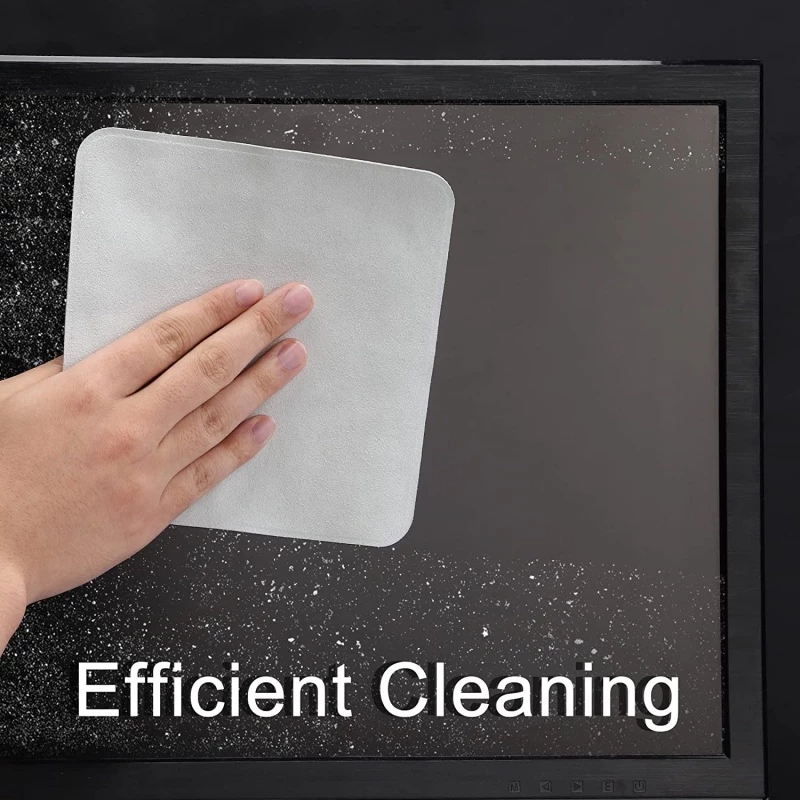
This three-pack gives you double-sided microfibre cloths to distribute between your work desk, home setup and bag. Having one within reach makes a quick wipe more convenient when fingerprints start getting distracting.
Keep the cloth used on screens separate from anything used on a grubby desk, and check for trapped grit before wiping. Your shirt can finally retire from its unofficial role as a screen-cleaning accessory.
Check out how much it costs here: https://s.shopee.sg/9fLdUteBwV
9. Phone Charging Port Dust Plug and Cleaner Kit
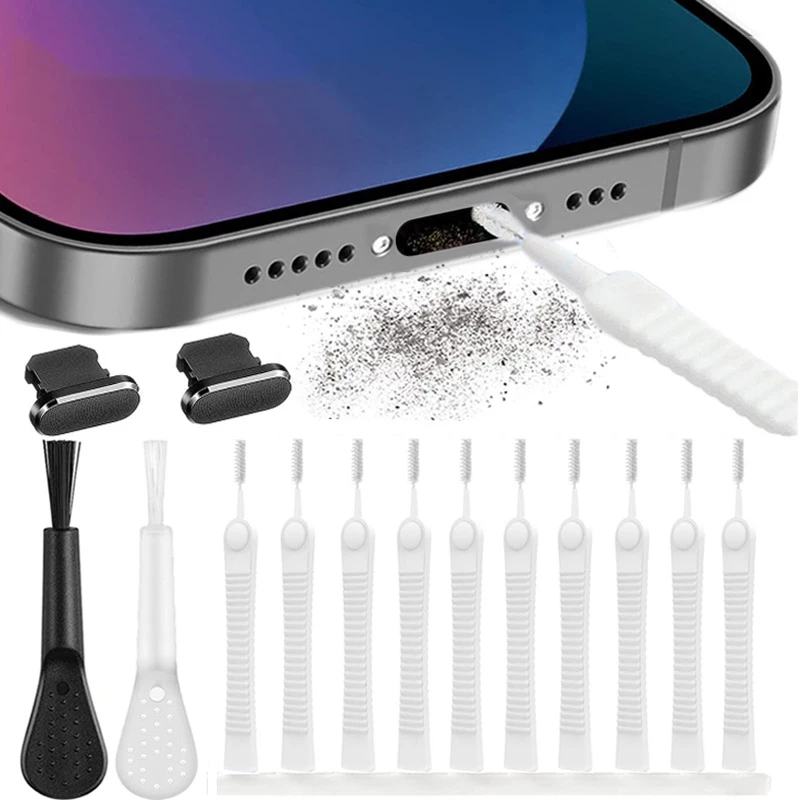
This kit combines a charging-port dust plug with cleaning tools, covering both maintenance and keeping the opening covered between charges. It may appeal to anyone whose phone spends the day in a lint-filled pocket or bag.
Choose the version that matches your phone’s port and check that it fits with your case. Follow the phone manufacturer’s cleaning guidance rather than probing deeply around the contacts.
Check out how much it costs here: https://s.shopee.sg/9fLdUvuyyz
10. Mini USB Rechargeable Desk Vacuum
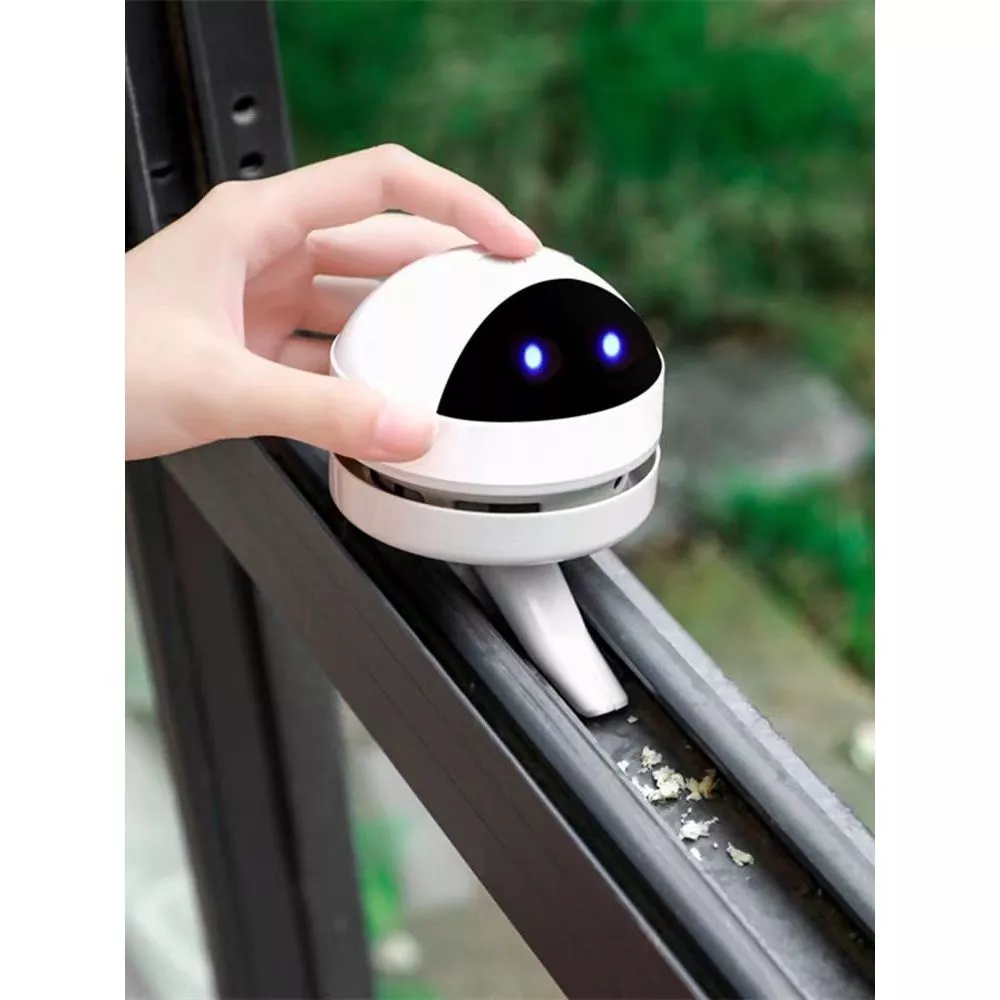
A mini desk vacuum is a handy option for collecting loose, dry crumbs from the tabletop after your afternoon snack. This USB-rechargeable version also saves you from keeping replacement batteries in the stationery drawer.
Use it for small desk clean-ups around your keyboard and mouse, then empty the collected debris as directed. Keeping it nearby makes clearing up easier before the next round of biscuits arrives.
Check out how much it costs here: https://s.shopee.sg/AUukUUYqyP
Your keyboard has seen things. With a few of these, at least it won’t have to see crumbs for much longer.

