

Once you get used to keeping your work and reference material on separate screens, a single laptop display can feel cramped. These seven portable monitors and three accessories let you bring that setup between home and the office, with different trade-offs in screen size, carrying weight, connections and power requirements.
1. ZSCMALL Portable Monitor 14/15.6/16.1″
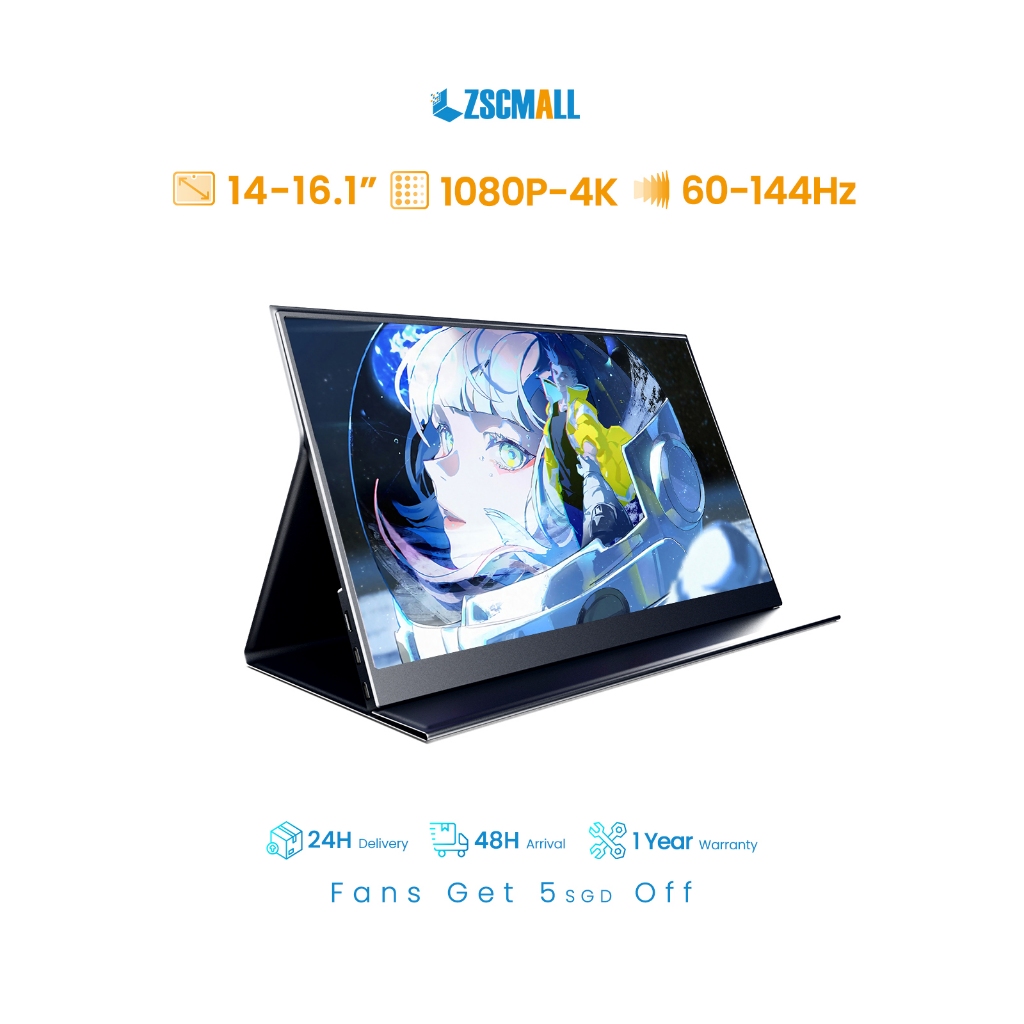
ZSCMALL’s listing groups several sizes and specifications together, including different resolutions, refresh rates and touchscreen options. That gives you room to choose between a smaller travel companion and a larger second screen, but those features do not all come together in every version. The pictured design has a folding cover that props up the display, with USB-C and mini HDMI connections shown in the listing. Confirm the selected model’s weight and power requirements before buying, especially if you are planning a single-cable USB-C setup.
Check out how much it costs here
2. ARZOPA Z1RC 16″ 2.5K Portable Monitor
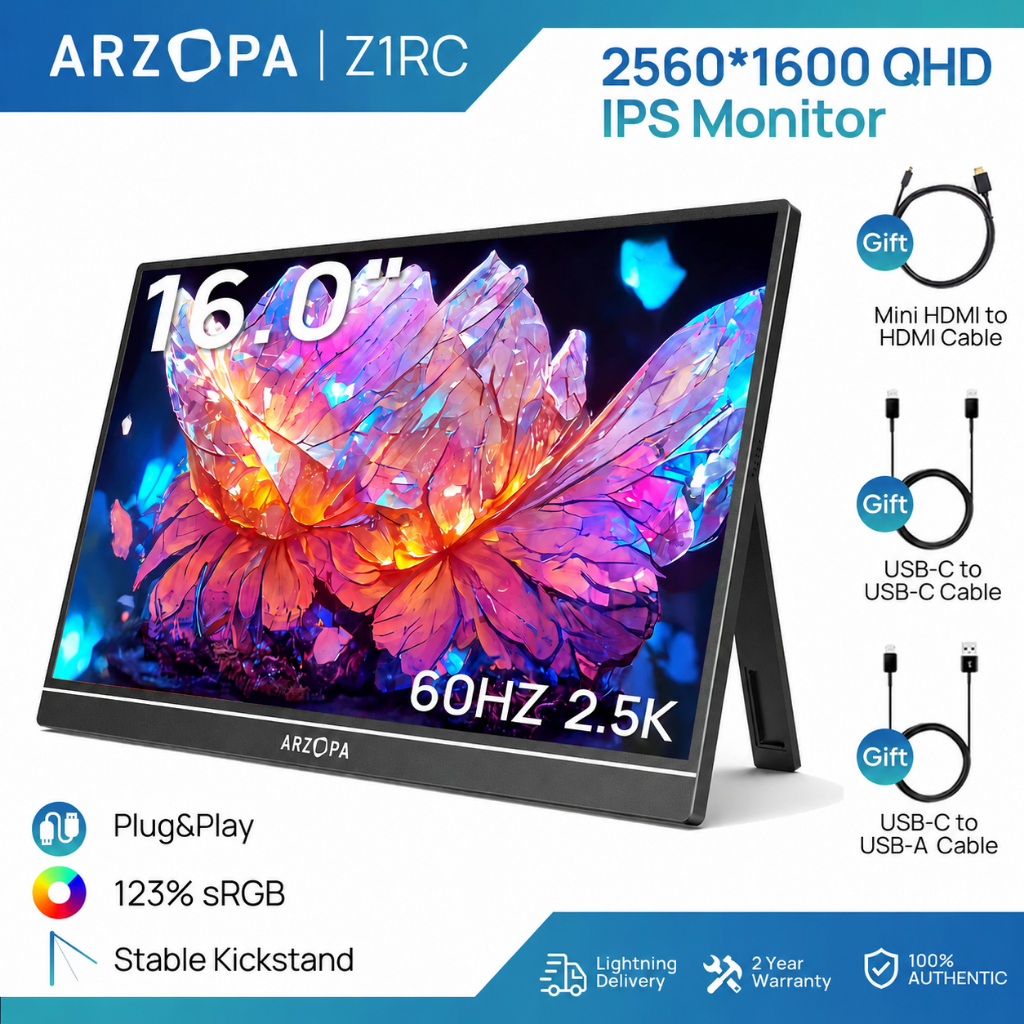
The Z1RC combines a 2560 × 1600 IPS display with a 16:10 shape, giving documents and spreadsheets more vertical room than a typical 16:9 screen. ARZOPA lists its net weight at approximately 810g, making it about 390g lighter than the larger Acer below. A built-in kickstand handles positioning, while two USB-C ports and one mini HDMI port provide connection options. Its rated power is 12W: a single USB-C connection needs a compatible laptop that supplies both video and sufficient power, while HDMI use needs separate USB power.
Check out how much it costs here
3. Mekanism Portable Monitor 14/15.6/18.5″
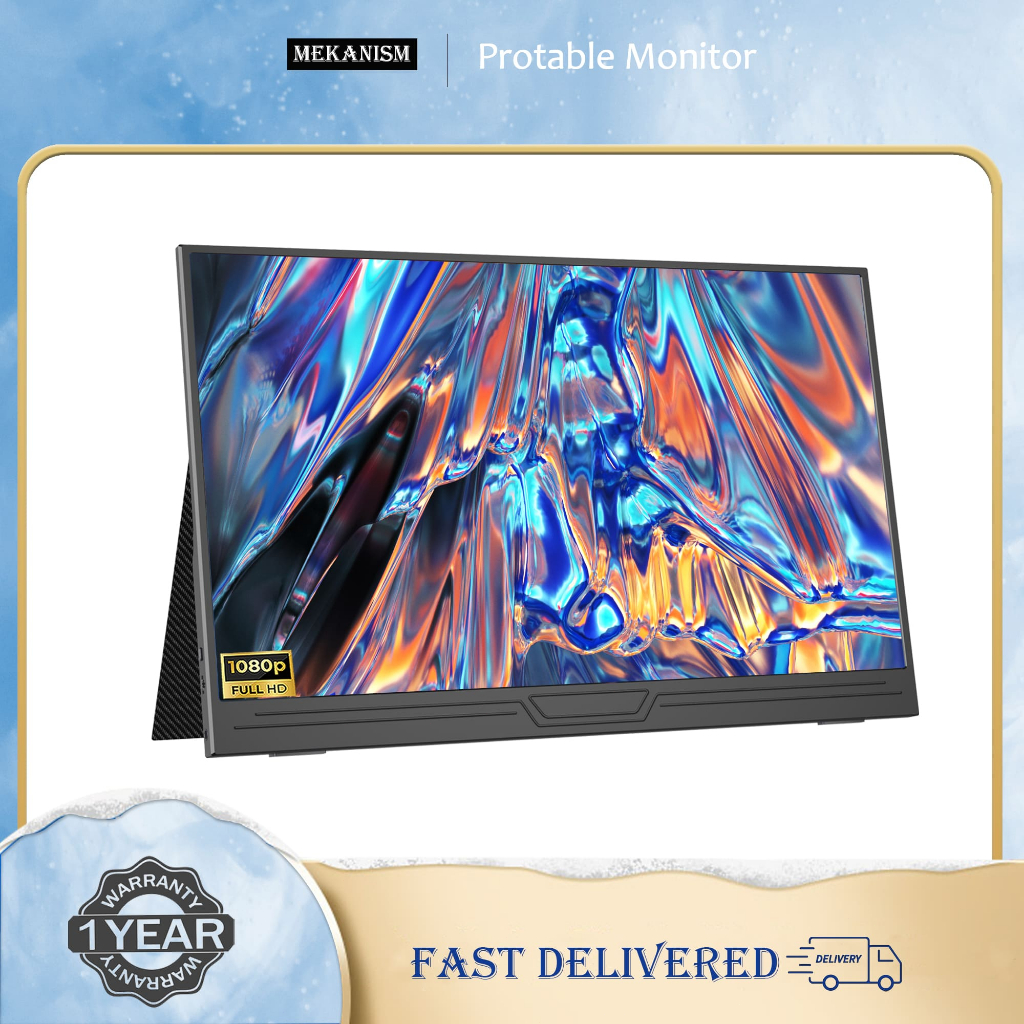
Mekanism offers 14-inch, 15.6-inch and 18.5-inch choices in this Full HD IPS monitor listing, with dual speakers and a magnetic cover shown among the features. Its product graphics quote approximately 800g to 990g, although the weight for your chosen size should be confirmed separately. The connection diagram is useful: it shows either USB-C from a compatible device or HDMI alongside a separate power cable. This makes it worth considering if you want a freestanding screen beside your laptop, with the size chosen around your bag and available desk space.
Check out how much it costs here
4. 15.6″ Dual Stacked Portable Monitor
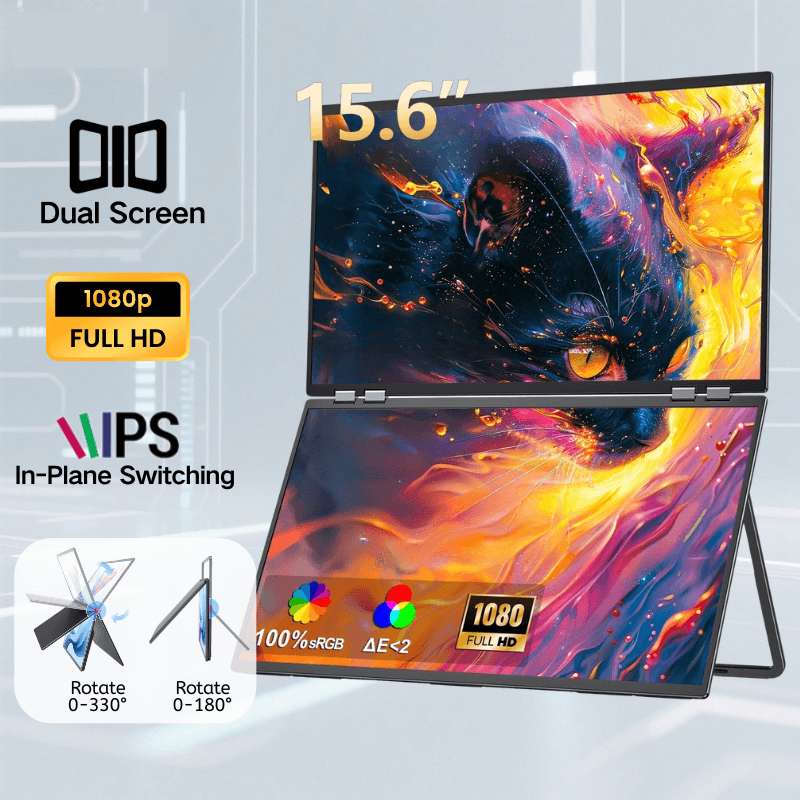
Two 15.6-inch Full HD screens sit one above the other, letting your workstation expand upwards when your HDB study corner cannot expand sideways. The hinged design folds closed, and the listing shows USB-C and HDMI connections with no built-in battery. There are several variants, including an advertised DisplayLink setup that requires a driver, so confirm which version supports your laptop and intended display arrangement. Ask for the folded unit’s weight and required power supply too: two panels and a hinge are a different carrying proposition from one slim screen.
Check out how much it costs here
5. Acer PM191Q E 18.5″ Portable Monitor
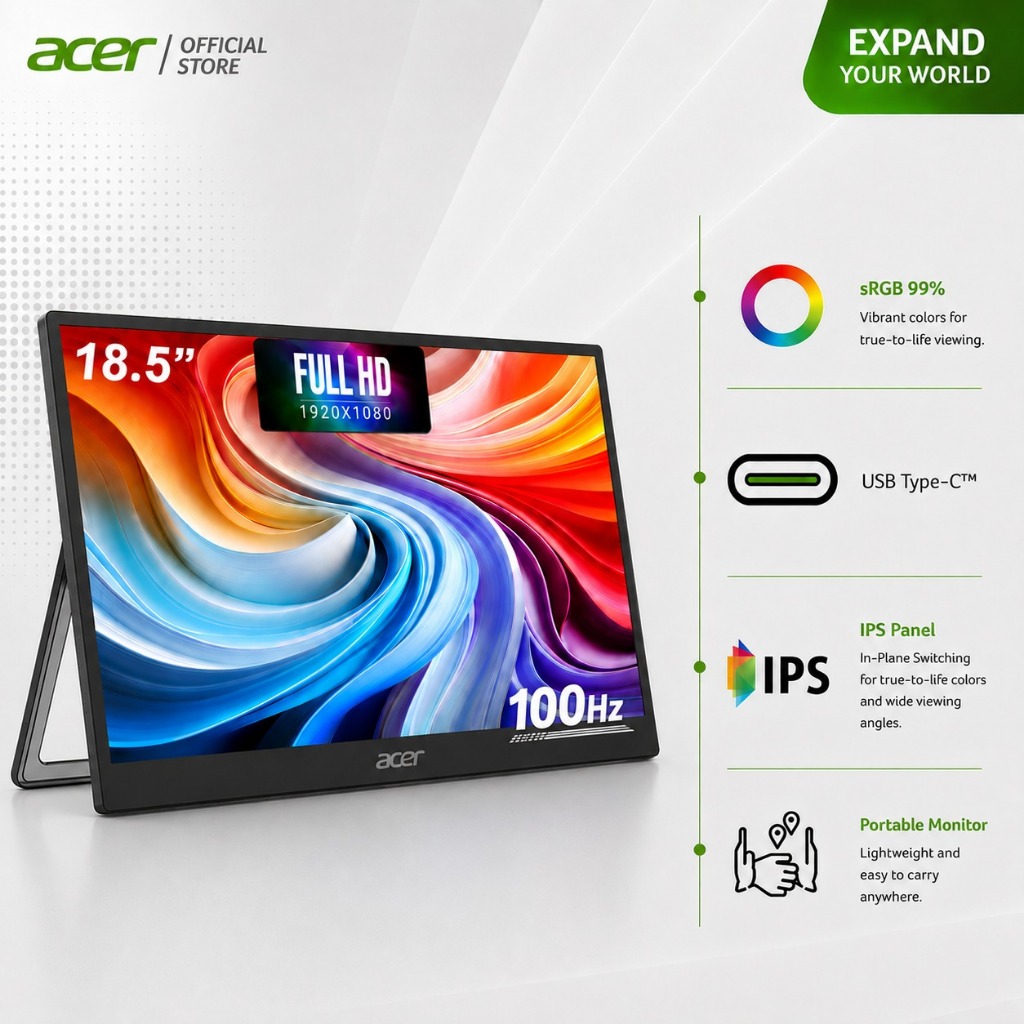
Acer’s 18.5-inch model gives you a larger physical display, with a 1920 × 1080 IPS panel, 100Hz refresh rate and built-in speakers. The trade-off is its listed 1.2kg weight, before adding your laptop and other essentials. Connections include two USB-C ports and a full-size HDMI 2.0 port, which is worth distinguishing from the mini HDMI sockets on several smaller monitors here. Acer specifies that single-cable operation requires a source that supplies power and supports DisplayPort Alt Mode, meaning video output over USB-C.
Check out how much it costs here
6. Zoomed-In 14″ 2K Portable Monitor
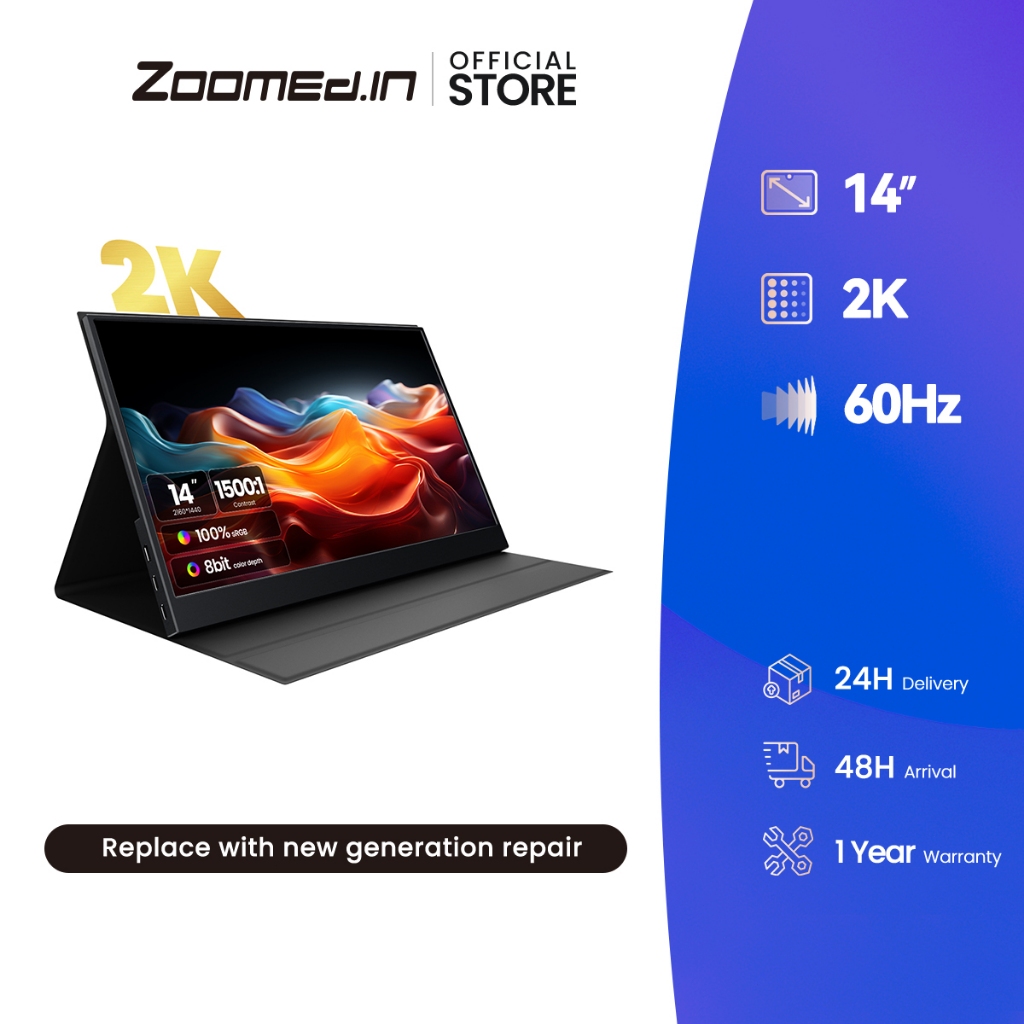
Zoomed-In’s main image advertises a 14-inch 2K display at 60Hz, with a folding cover that doubles as a stand. Other product graphics show two USB-C ports, mini HDMI and a quoted weight of approximately 540g, which could appeal to daily commuters watching their bag weight. There is one detail to settle before ordering: the listing title mentions both 13.5 inches and 14 inches. Confirm the selected variant’s dimensions, weight and power input with the seller, particularly if you are matching it to an existing sleeve or planning to power it from your laptop.
Check out how much it costs here
7. VFLOW Laptop Dual Extender Screen 14″

This VFLOW extender adds two 14-inch 1080p screens around your laptop, creating a three-screen arrangement for keeping documents, calls and reference material visible together. Its pictured mounting frame includes rear support, while the seller advertises a one-cable USB-C connection. Check the fit using your laptop’s actual dimensions: one graphic specifies a screen width of 305mm to 360mm, rather than relying solely on diagonal screen size. Before choosing it for daily travel, confirm the complete unit’s weight, your laptop’s compatibility and whether your setup needs additional power.
Check out how much it costs here
8. HCKTec 17.3″ Portable Monitor Holder Stand
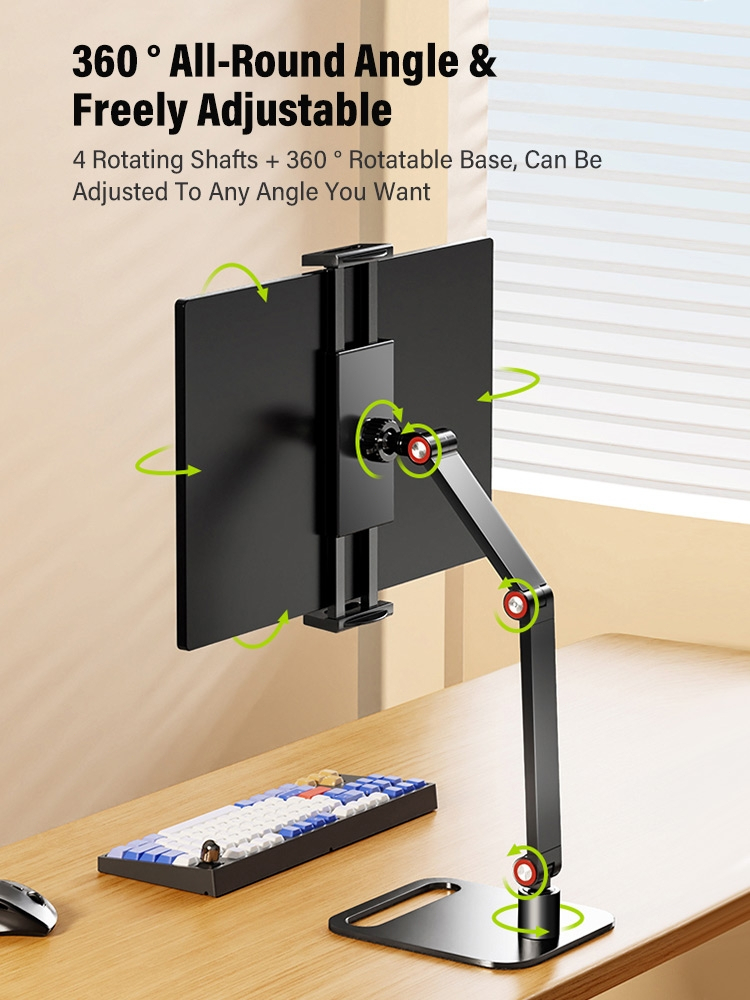
A separate stand gives you more positioning flexibility than resting a portable monitor on its cover. HCKTec’s folding-arm version has adjustable joints, a rotating base and padded contact surfaces, allowing you to raise and angle the screen beside your laptop. Its specification graphic lists a 12.5cm to 25cm clamping range and a 2kg load capacity. The listing also contains a different stand design with different limits, so select carefully and check your monitor’s dimensions. Do not assume the 17.3-inch version will accommodate the 18.5-inch Acer simply because its weight falls below the stated load limit.
Check out how much it costs here
9. ARZOPA Portable Monitor Sleeve Bag
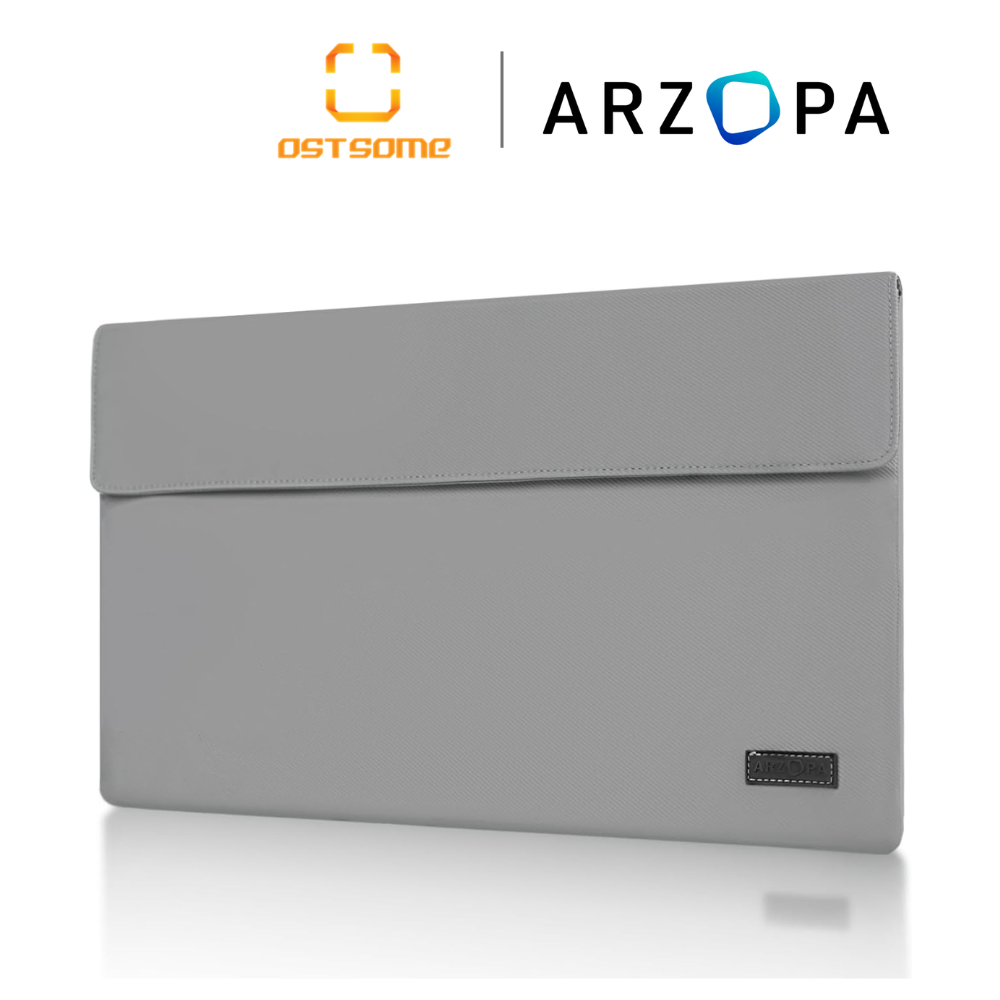
ARZOPA’s grey sleeve has a PU leather exterior, a flap closure and a soft internal divider, giving your monitor a dedicated place inside your work bag. It is a practical addition when your screen would otherwise share a compartment with cables and other loose items on the MRT commute. Choose the sleeve using the monitor’s full width, height and thickness, including any attached cover. Screen diagonal alone does not establish fit, particularly when comparing a taller 16:10 monitor with a wider 16:9 model.
Check out how much it costs here
10. Vention USB-C to HDMI Cable 4K
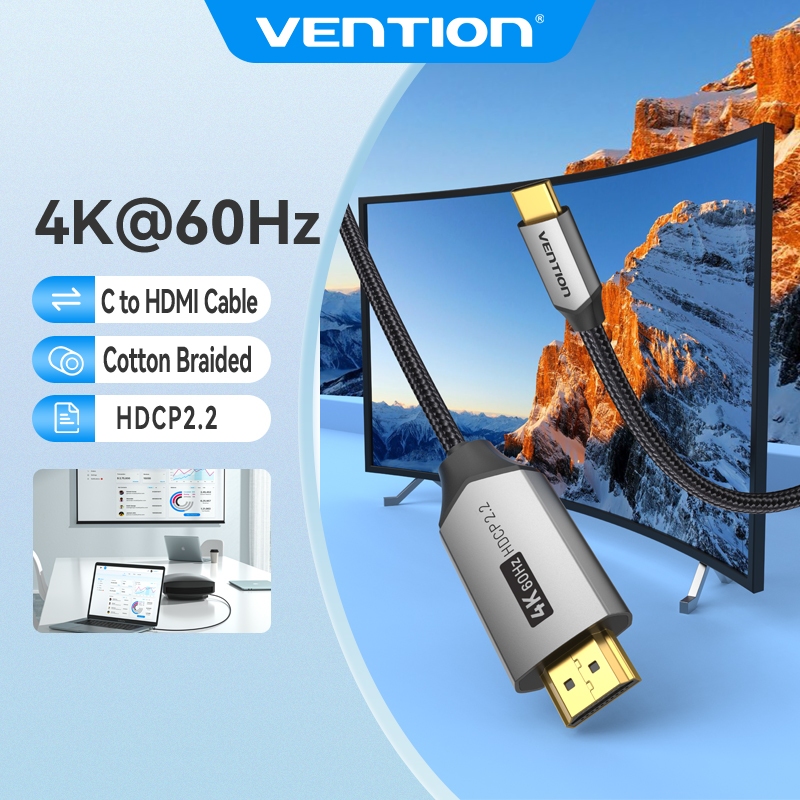
This cotton-braided Vention cable supports up to 4K at 60Hz and connects a compatible USB-C video source to a display’s full-size HDMI input. That connector suits the Acer’s HDMI socket, while a monitor with mini HDMI would need an appropriate adapter or different cable. Your laptop’s USB-C port must support video output, and the monitor still needs its own power connection when receiving video through HDMI. The cable’s 4K capability also does not change a Full HD monitor’s native resolution, so buy it for the connection you need.
Check out how much it costs here

