

Your living room gets full bars, but your toilet makes loading a WhatsApp photo feel like a major infrastructure project. These 11 finds tackle different parts of the problem, from spreading coverage around your flat to improving a computer’s connection or linking equipment by cable. Choose according to where your signal starts struggling.
1. TP-Link Deco X10 AX1500 Wi-Fi 6 Mesh System
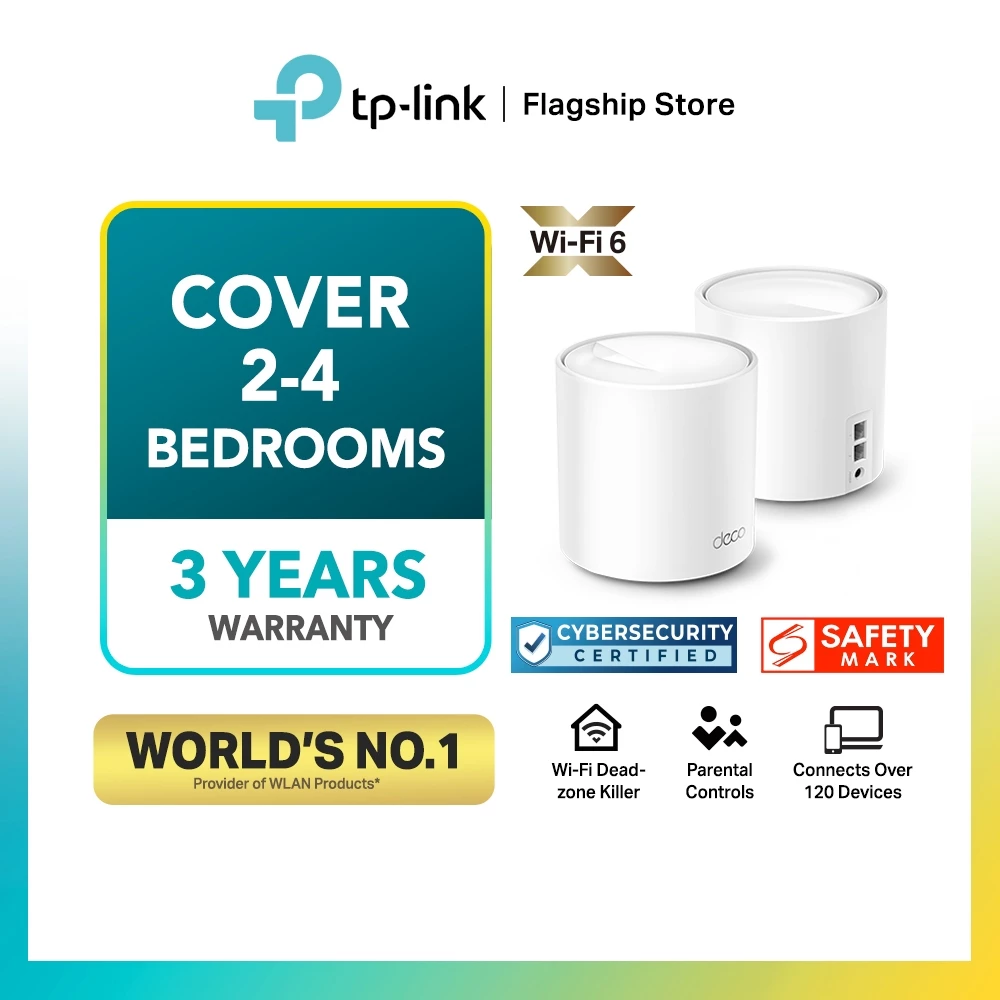
Mesh means several units working together as one wireless network, helping spread coverage around your flat. Wi-Fi 6 is a wireless standard designed to handle busy households more efficiently. AX1500 describes combined theoretical speeds of roughly 1,500Mbps across its bands. Mbps means megabits per second, a measure of speed; actual downloads will be slower.
Choose a one-, two- or three-pack, remembering that a single unit needs another compatible Deco to create a multi-unit setup.
Check out how much it costs here: https://s.shopee.sg/8fTIU97rEp
2. TP-Link Deco X20 AX1800 Wi-Fi 6 Mesh System
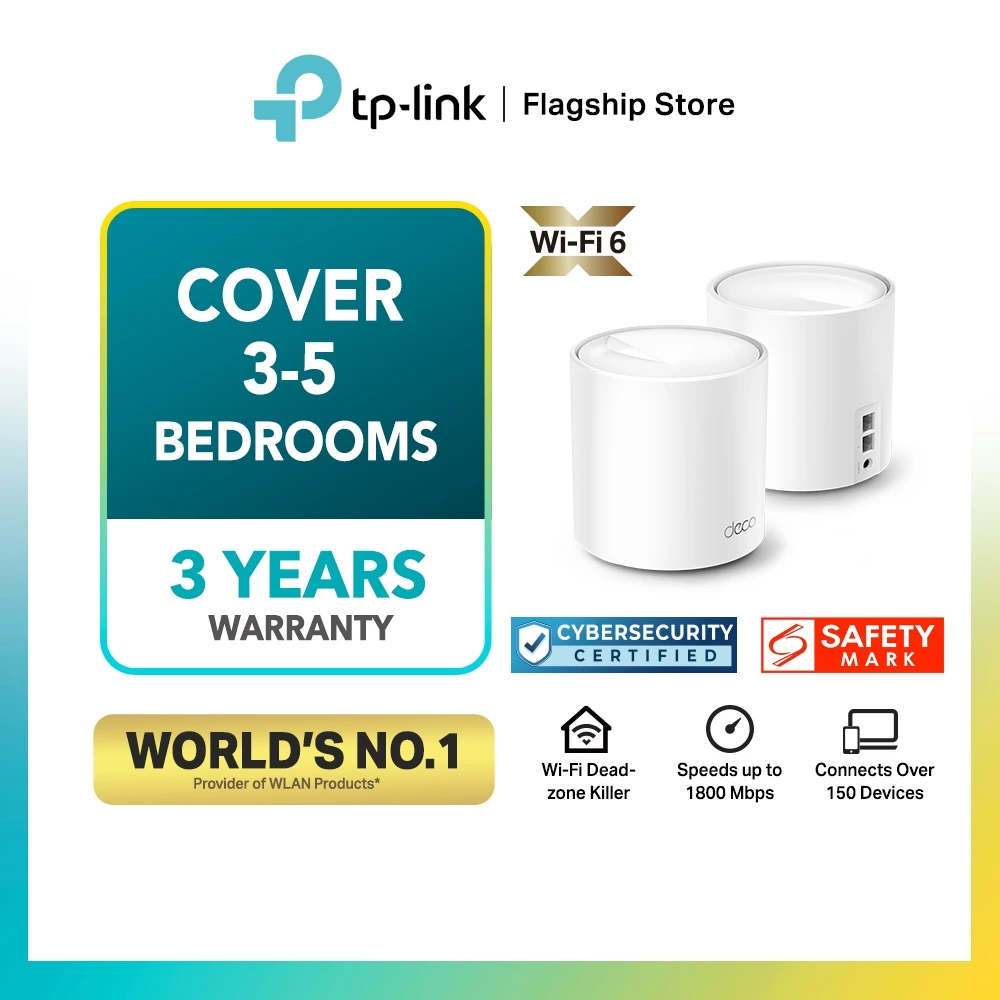
The Deco X20 suits households that want wider coverage alongside wired connections for a television or desktop. Each unit has two gigabit Ethernet ports, meaning sockets for network cables supporting connections up to 1,000Mbps; one may be needed for the internet connection.
The units can connect to each other with an Ethernet cable for a steadier connection. Actual wireless reach depends on your layout, walls and placement.
Check out how much it costs here: https://s.shopee.sg/6L5NhwWwG0
3. ASUS ZenWiFi XD6 AX5400 Wi-Fi 6 Mesh System, 2-Pack

Already using compatible ASUS equipment? AiMesh is the brand’s system for combining supported routers into one home network, making this two-pack worth considering. Each XD6 has three gigabit LAN ports, meaning sockets for connecting local devices by network cable, plus a separate internet input.
Its AX5400 rating describes combined theoretical wireless capacity, so check your broadband plan and connected equipment before expecting a matching download speed.
Check out how much it costs here: https://s.shopee.sg/AUuwfi0QmE
4. TP-Link RE200 AC750 Dual-Band Wi-Fi Range Extender
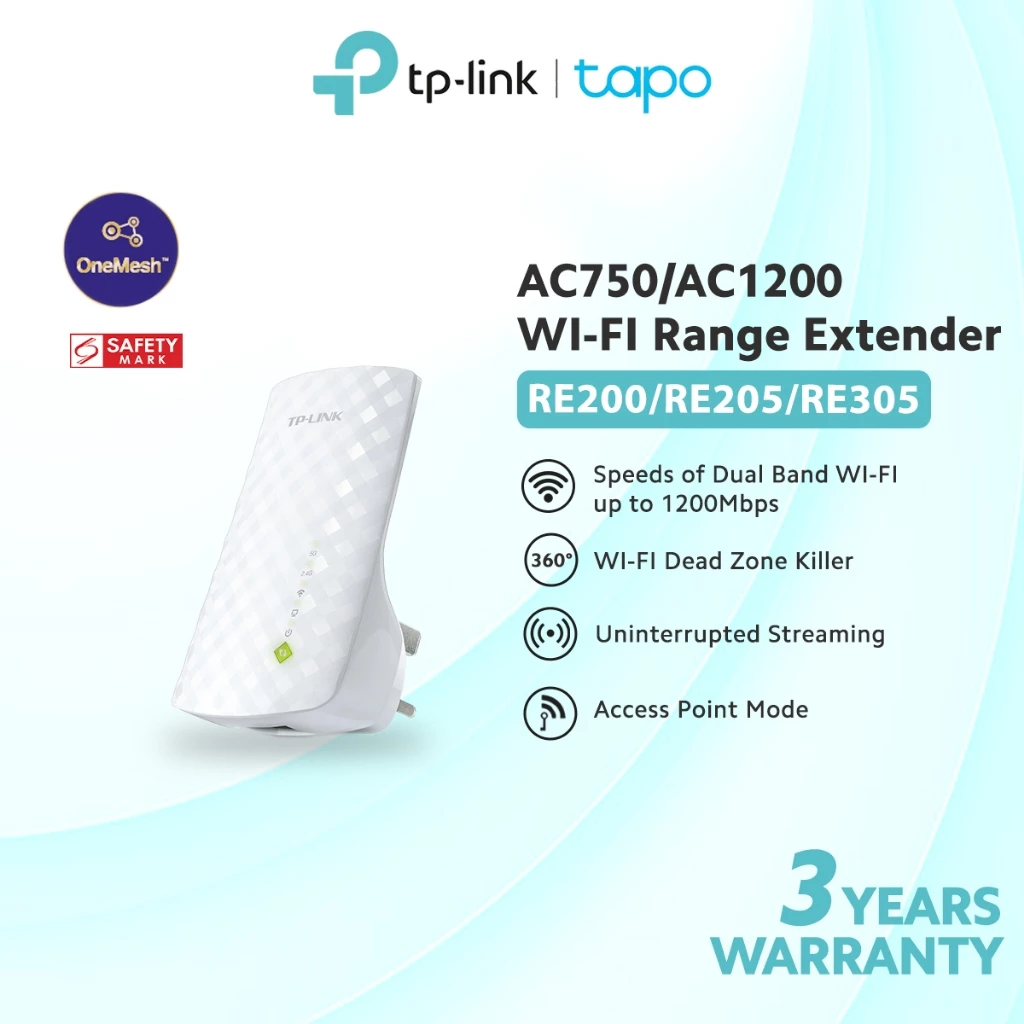
For one troublesome corner, the RE200 rebroadcasts your existing router’s signal. Dual-band means it uses two wireless frequency bands, 2.4GHz and 5GHz. Place it where reception is still usable, rather than inside the dead zone itself.
Access point mode turns a wired internet connection into a wireless connection nearby. OneMesh is TP-Link’s system for linking compatible routers and extenders under one network name, subject to hardware support. Select RE200 carefully because this listing also offers RE205 and RE305 variants.
Check out how much it costs here: https://s.shopee.sg/1BNHYdknW6
5. Prolink DH-5202 AX1500 Wi-Fi 6 Range Extender
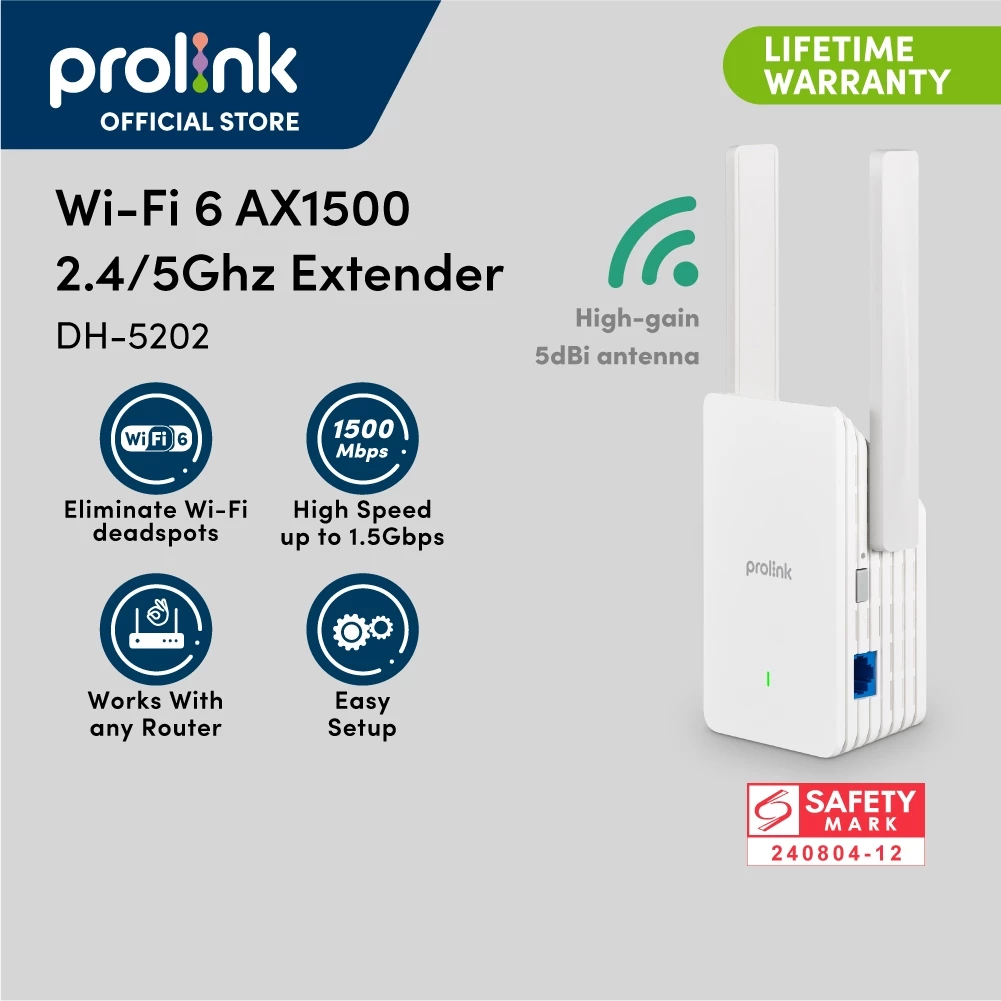
The Prolink DH-5202 gives you two adjustable external antennas and a choice of connection methods. Repeater mode picks up your router’s wireless signal and broadcasts it farther, while access point mode takes an Ethernet cable as its source. That second option could suit a corridor near the bathroom if you can run a cable there, giving nearby devices a closer place to connect.
Check out how much it costs here: https://s.shopee.sg/3qO2kstz34
6. TP-Link Archer T600UB Nano AC600 USB Wi-Fi & Bluetooth Adapter
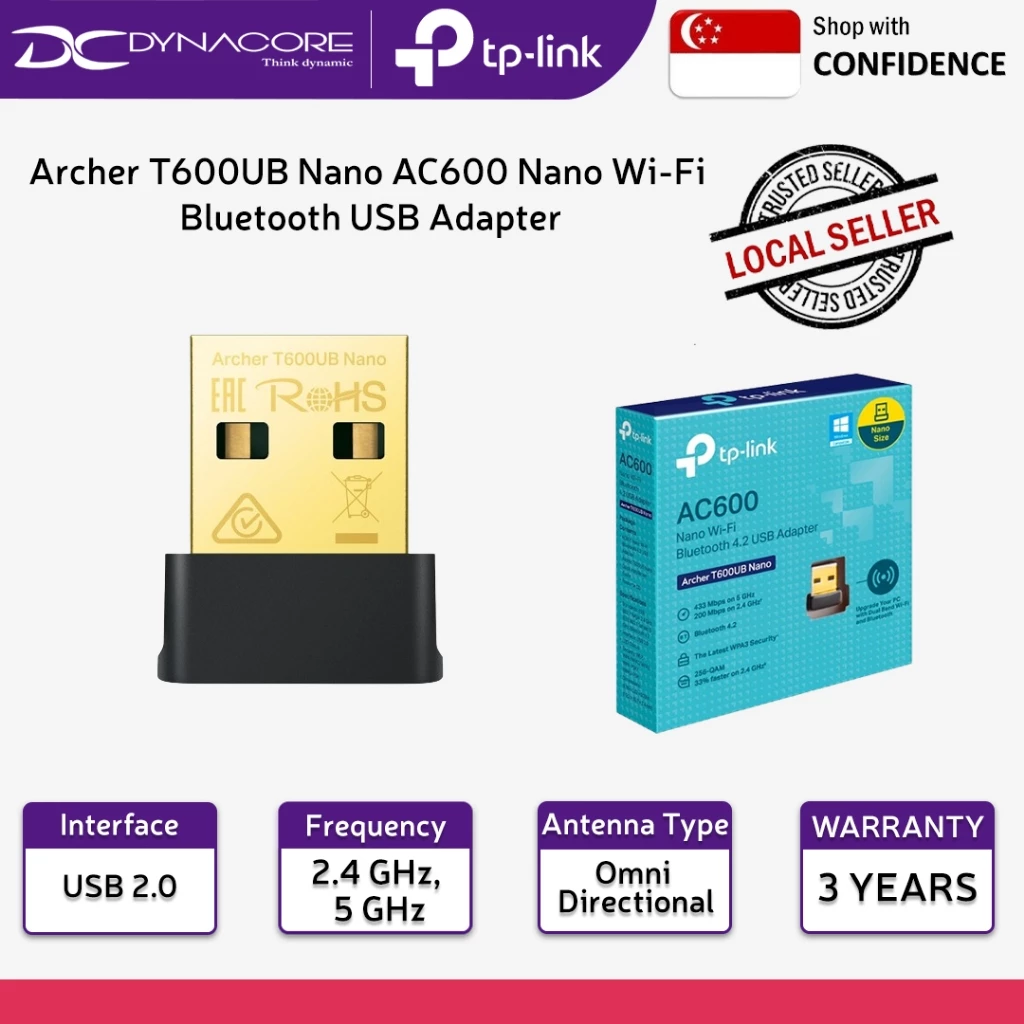
If an older computer needs wireless connectivity, this tiny USB adapter adds dual-band Wi-Fi and Bluetooth 4.2 without a bulky antenna sticking out. Its Bluetooth 4.2 also lets compatible Windows computers connect accessories such as headphones or a mouse. This only improves the computer’s own connection; it won’t boost Wi-Fi for your phone in another room.
Check out how much it costs here: https://s.shopee.sg/8V9sIRsf2m
7. TP-Link Archer TBE400UH BE6500 Wi-Fi 7 USB Adapter
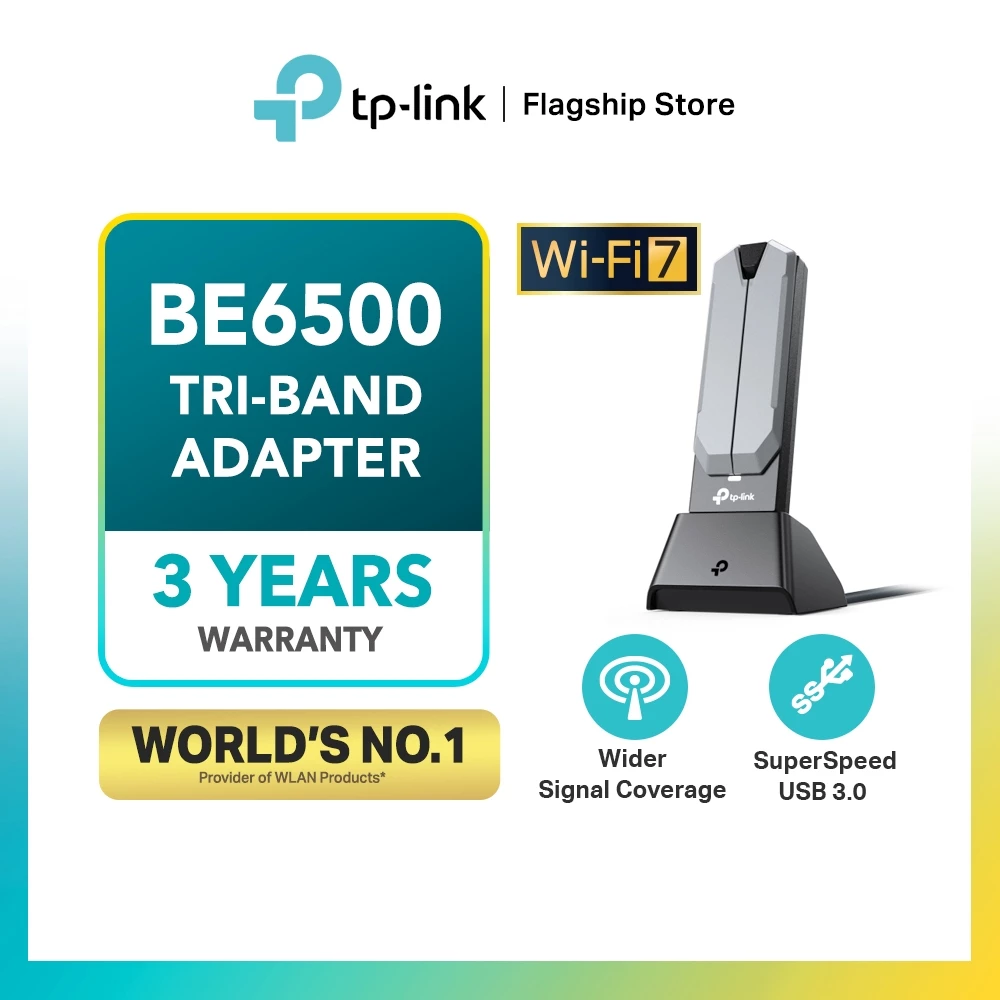
The Archer TBE400UH is a BE6500 Wi-Fi 7 USB adapter for computers, with a high-gain external antenna. Wi-Fi 7 is the newest generation of the wireless technology that connects devices to your router without cables. Consider this for a compatible desktop or laptop, and check the manufacturer’s computer and operating-system requirements before ordering.
Check out how much it costs here: https://s.shopee.sg/7KxuuMo3v9
8. Vention Cat6 Ethernet Cable
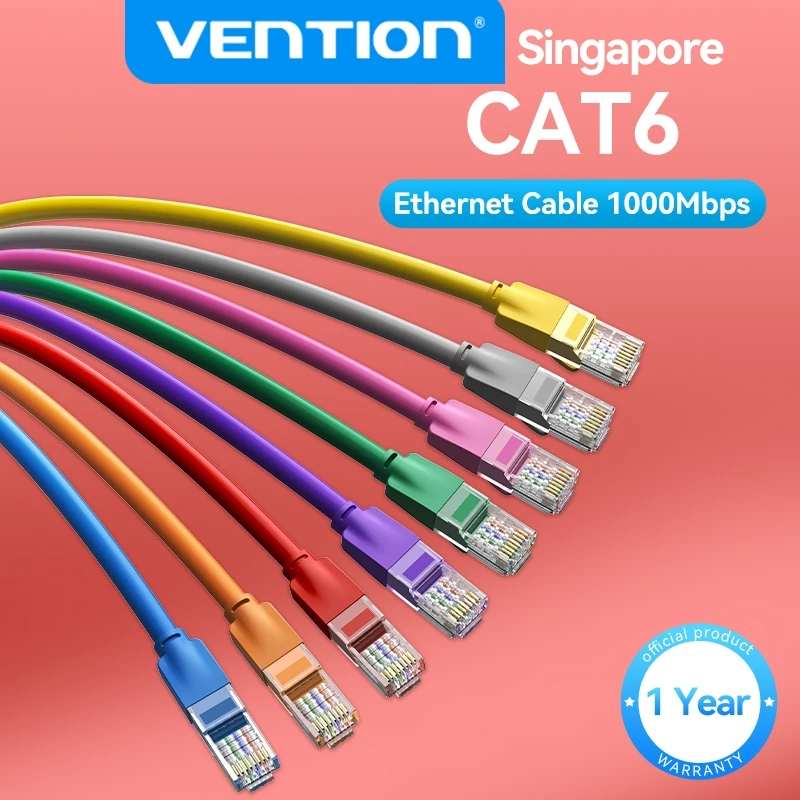
Sometimes, improving wireless coverage starts with a wire. Cat6 means Category 6, a network-cable standard; this Vention option supports gigabit connections up to 1,000Mbps. The listing offers lengths from 0.5m to 15m in several colours.
Use it to connect a compatible mesh unit or access point nearer the weak spot, giving that equipment a wired link back to your router. Measure the actual route along your skirting before ordering.
Check out how much it costs here: https://s.shopee.sg/5q977hlR92
9. UGREEN Cat6A Slim Ethernet Cable
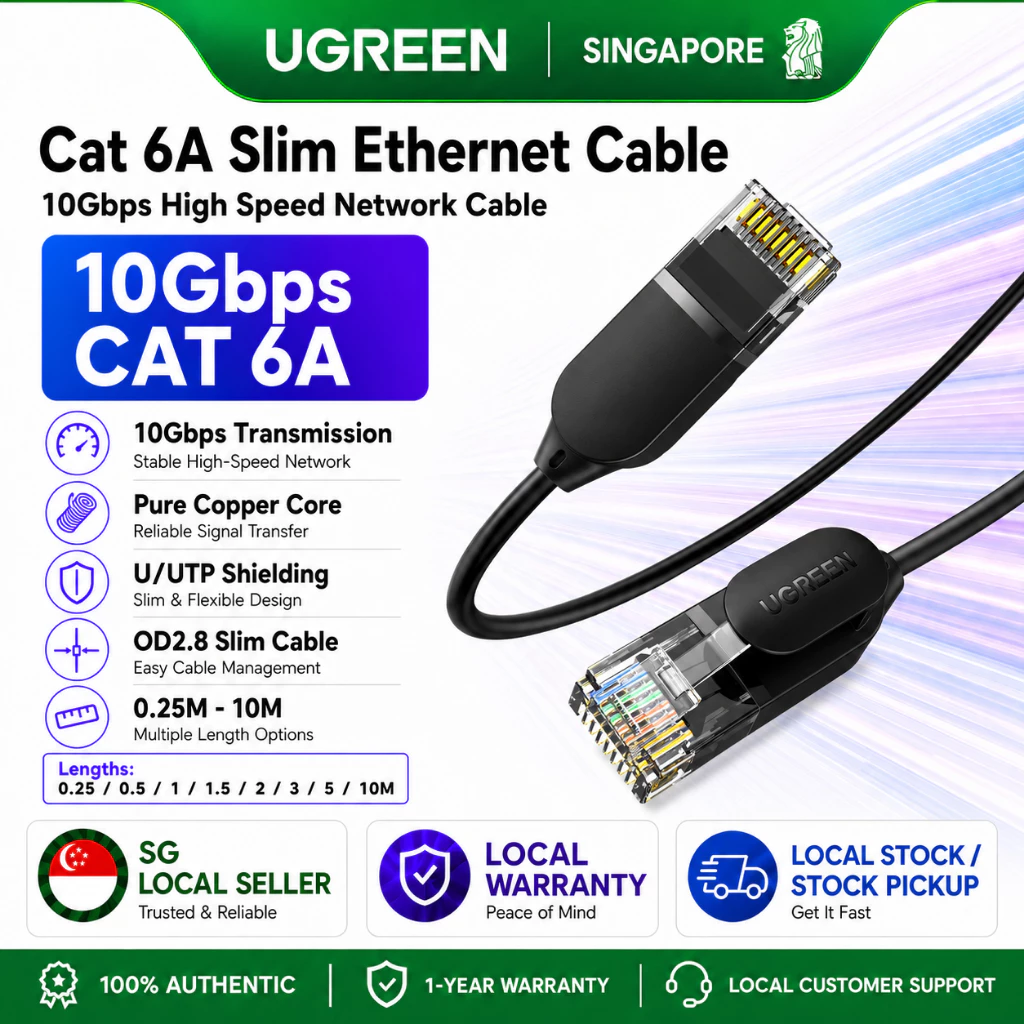
UGREEN’s 2.8mm cable is worth considering when a chunky alternative would make your desk or cable trunking more crowded. Cat6A means Category 6A, a network-cable standard supporting connections up to 10Gbps, or 10,000Mbps, with compatible equipment. Length options run from 0.25m to 10m on the listing.
Your router and device ports must also support those speeds, so a faster-rated cable alone will not upgrade the whole connection.
Check out how much it costs here: https://s.shopee.sg/20wOYzN1Yc
10. TP-Link TL-PA7017P KIT AV1000 Powerline Starter Kit
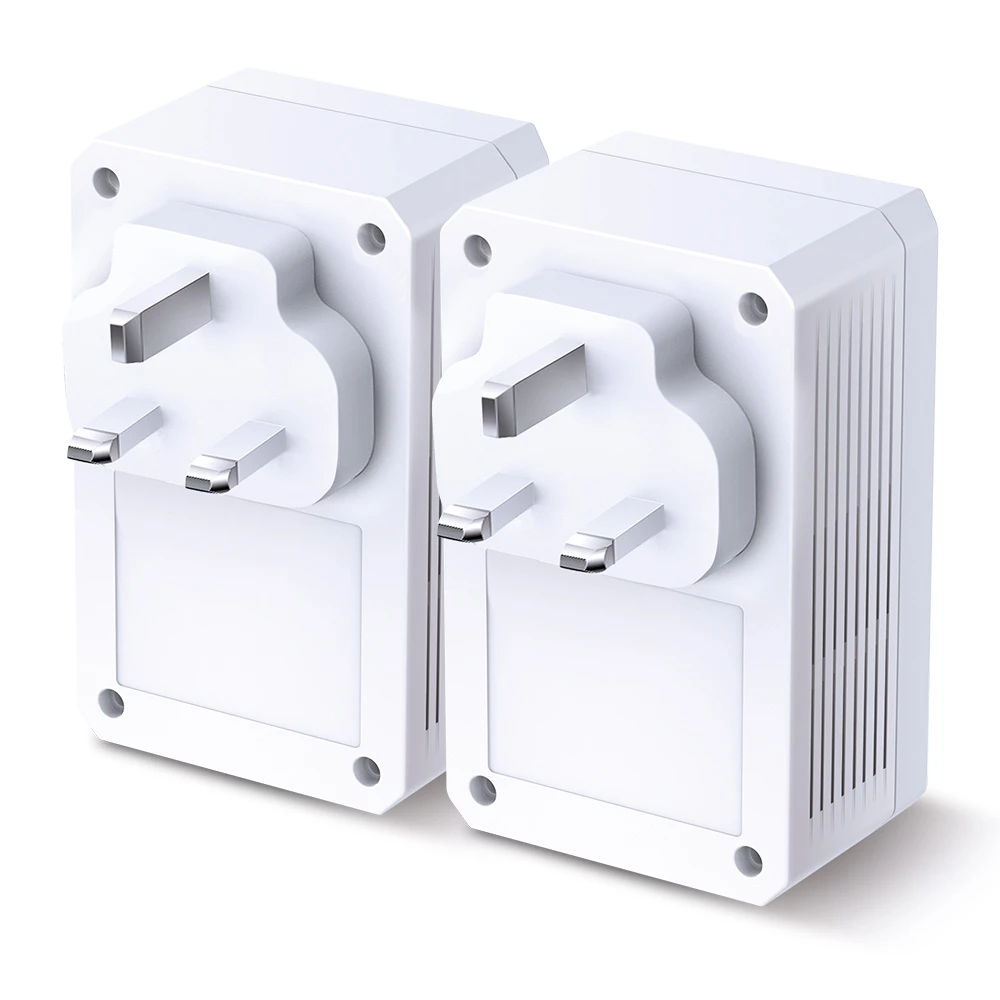
Powerline sends network data through your home’s electrical wiring, potentially saving you from running a long Ethernet cable across the flat. Connect one adapter to your router and another to a device elsewhere.
Each adapter has a gigabit port and a passthrough socket, meaning a built-in power outlet that lets you plug in another appliance. For bathroom coverage, the remote end needs a separate Wi-Fi access point, as this kit provides wired connections.
Check out how much it costs here: https://s.shopee.sg/5AtQKxlpAZ
11. TP-Link TL-PA9020P KIT AV2000 Powerline Starter Kit
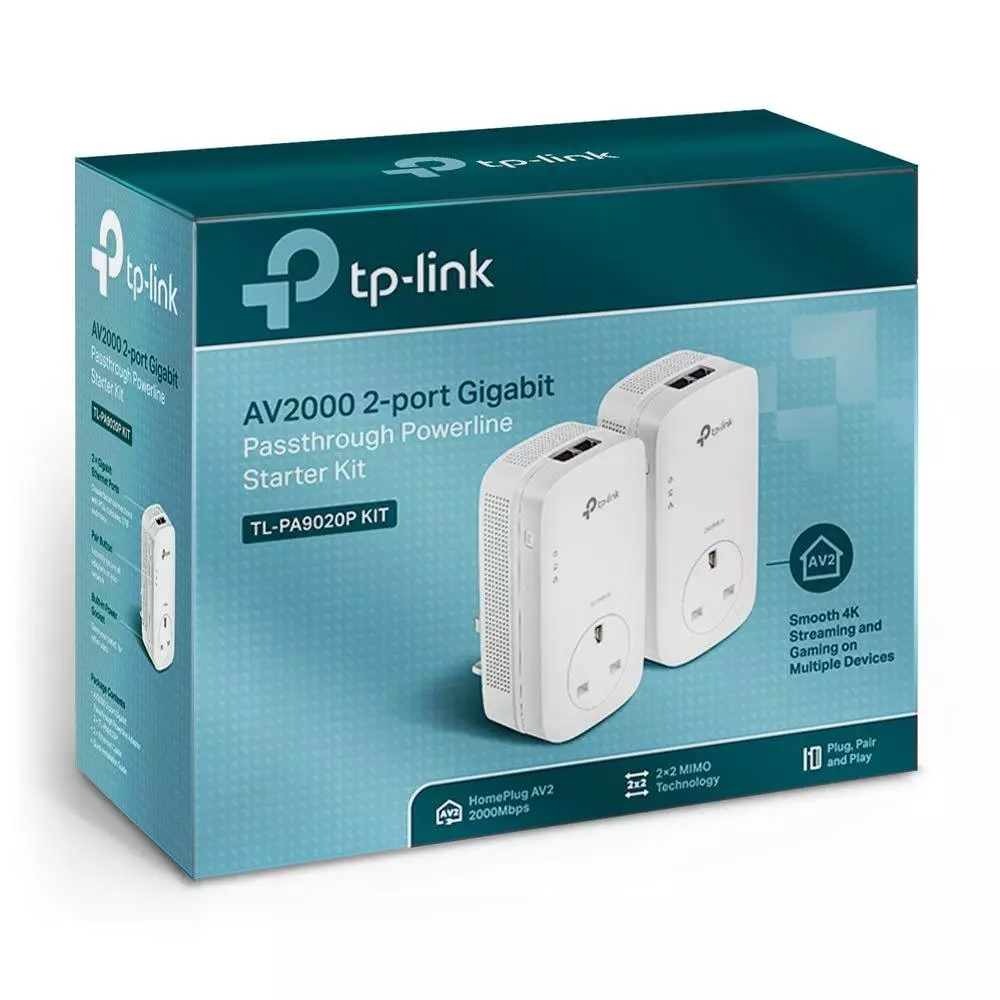
Need two wired connections at the far end of your flat? Each TL-PA9020P adapter has two gigabit ports, letting you connect a television and a separate Wi-Fi access point, for example. Passthrough sockets keep the occupied outlets available for other equipment.
AV2000 describes a theoretical powerline rate of up to 2,000Mbps. Actual results depend on electrical wiring and interference, while each Ethernet connection remains limited to gigabit speed.
Check out how much it costs here: https://s.shopee.sg/6fiE7qoueY

