

A slim laptop is lovely until connecting your mouse means unplugging something else. These nine USB-C hubs and adapters add room for everyday accessories, external screens or wired internet. For models with HDMI, check that your laptop’s USB-C port supports video output, and confirm charging compatibility before buying.
1. Slim 4-in-1 USB-C Hub With Four USB 3.0 Ports
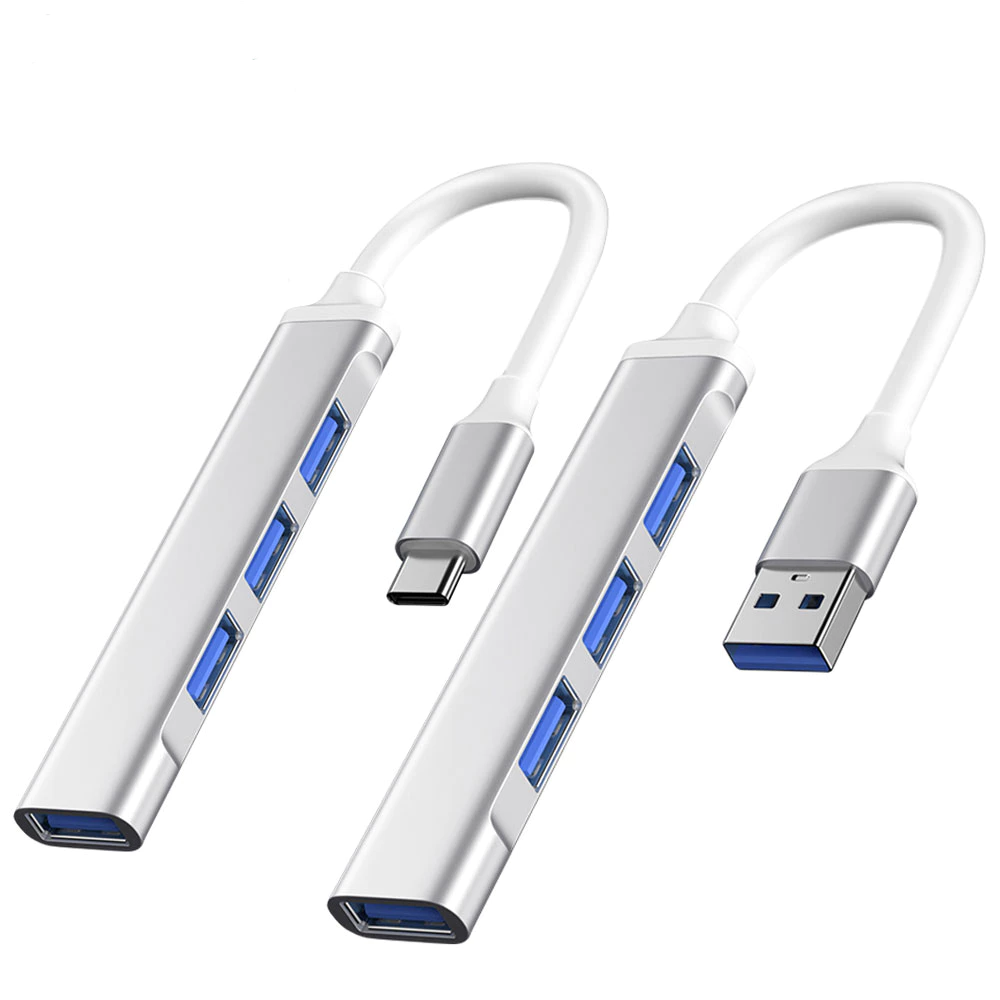
If your main problem is finding space for a mouse, keyboard and thumb drive, this slim hub adds four full-sized USB 3.0 ports. Three sit along its side, with another at the end, so the sockets face different directions. Its narrow body and short attached cable keep the setup compact. Choose the Type C variant, which has the USB-C connector for your laptop.
Check out how much it costs here: https://s.shopee.sg/BUo2EvoT9
2. 3-in-1 USB-C to HDMI Adapter With PD Charging
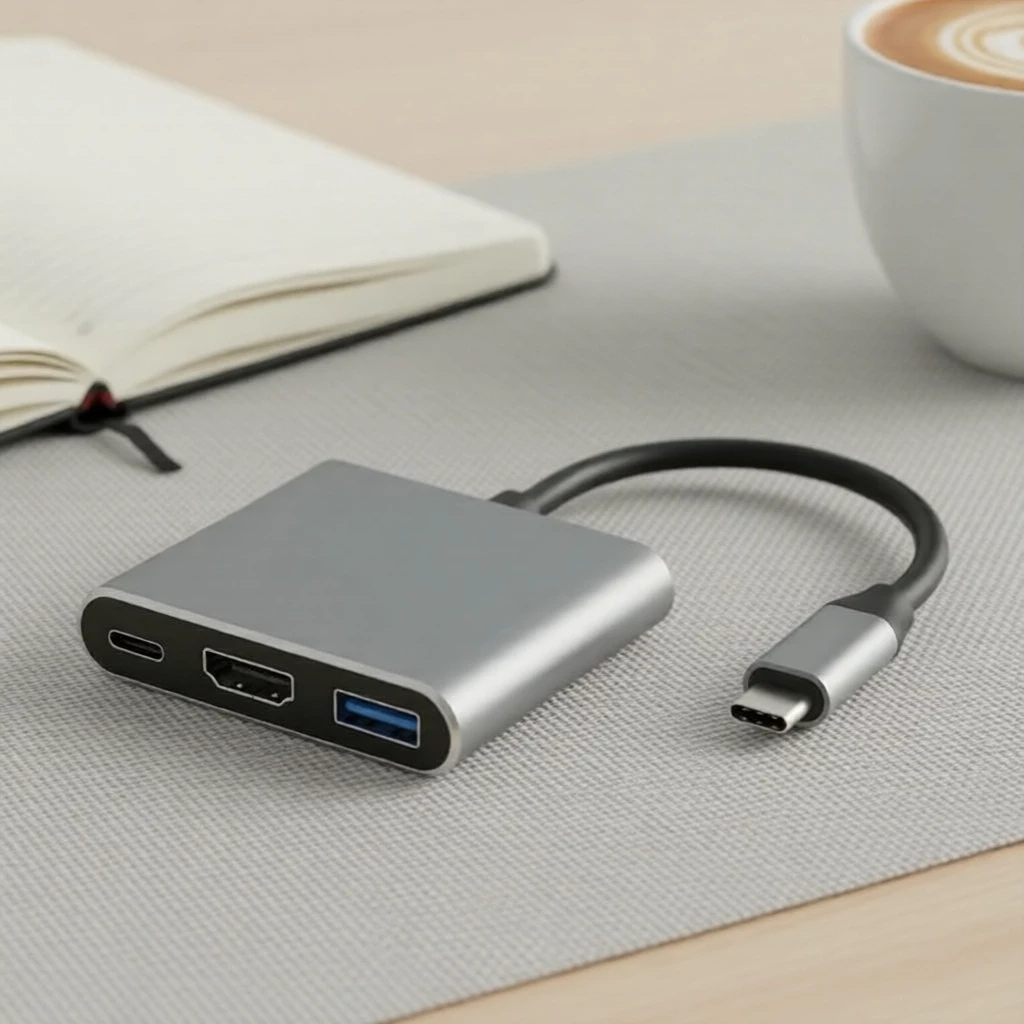
For presentations or a simple monitor setup, this adapter combines HDMI for a screen, one USB 3.0 port for an accessory and a USB-C PD charging port. PD means Power Delivery, which lets a compatible charger supply power to your laptop through the adapter. The small rectangular design keeps all three sockets together, making it useful for moving between meeting rooms. This listing ships from Malaysia.
Check out how much it costs here: https://s.shopee.sg/9pfJV8up9S
3. 5-in-1 USB-C Hub With Gigabit Ethernet and 87W PD
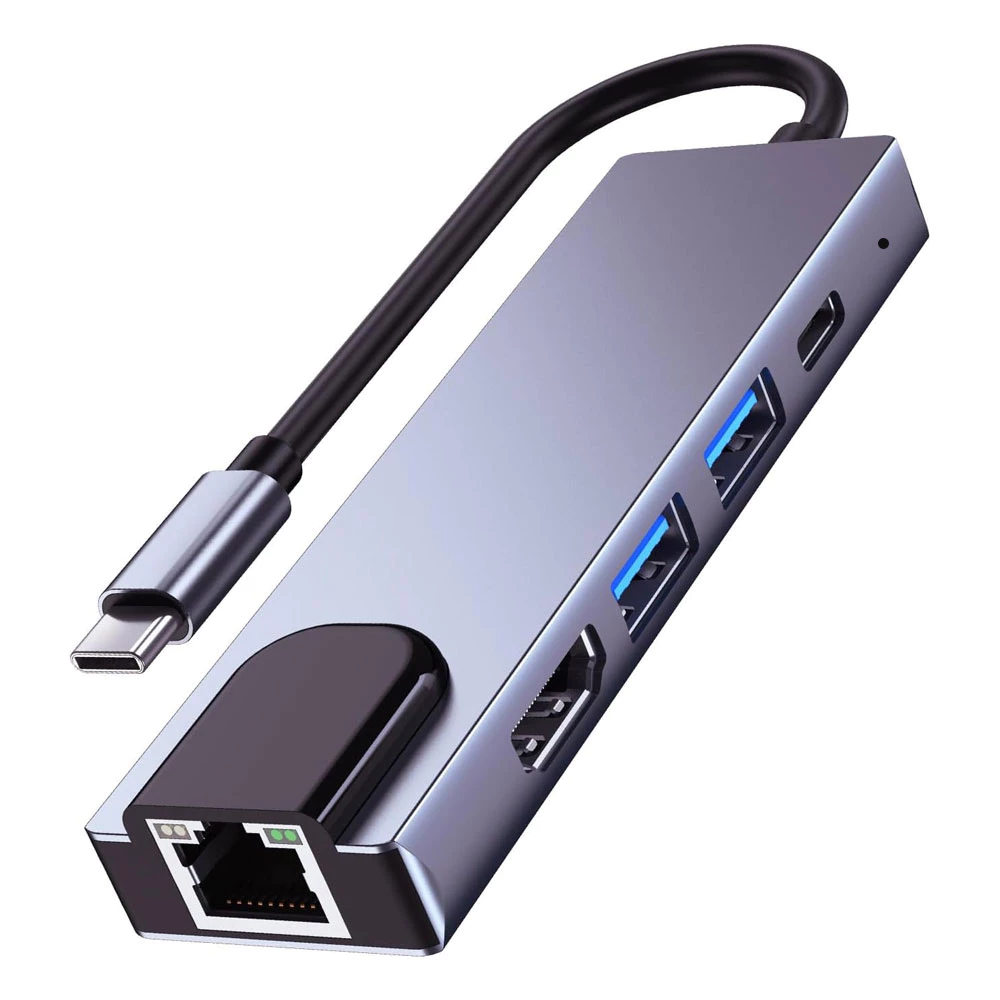
This five-port hub brings together 4K HDMI, two USB 3.0 ports, 87W PD charging support and an RJ45 socket for an Ethernet cable. Its gigabit Ethernet connection supports network speeds up to 1,000 Mbps, or megabits per second, although actual speeds depend on your network and equipment. It suits a desk where you want a monitor, wired internet and USB accessories connected through one hub.
Check out how much it costs here: https://s.shopee.sg/6Am1BaliqS
4. Anvers 6-in-1 USB-C Hub With SD and microSD Readers
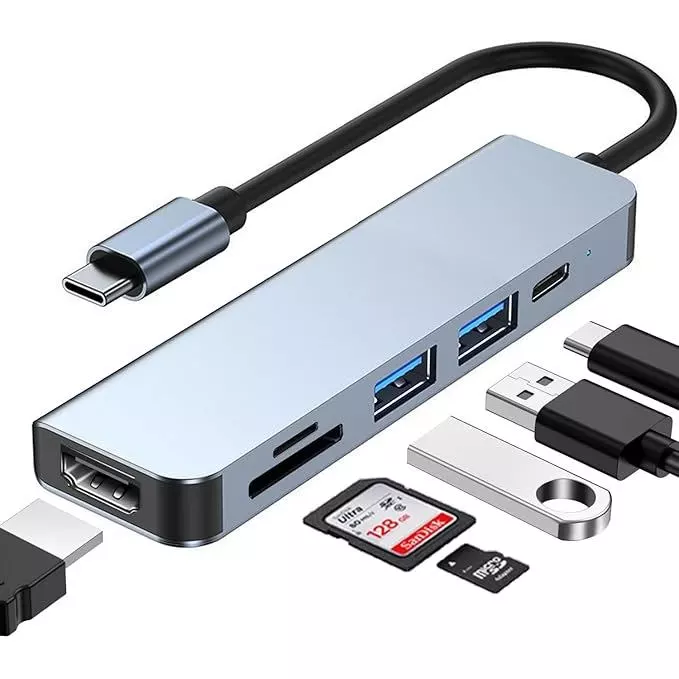
Anyone regularly transferring camera photos may appreciate having both SD and microSD card slots beside their everyday connections. This Anvers hub combines those readers with two USB 3.0 ports, 4K HDMI and USB-C PD charging. MicroSD is also labelled TF on some product images. The long, slim body keeps the card slots and USB sockets accessible along one side, with HDMI at the end.
Check out how much it costs here: https://s.shopee.sg/7AeYMLDiNa
5. Anvers 7-in-1 USB-C Hub With USB-C Data Port
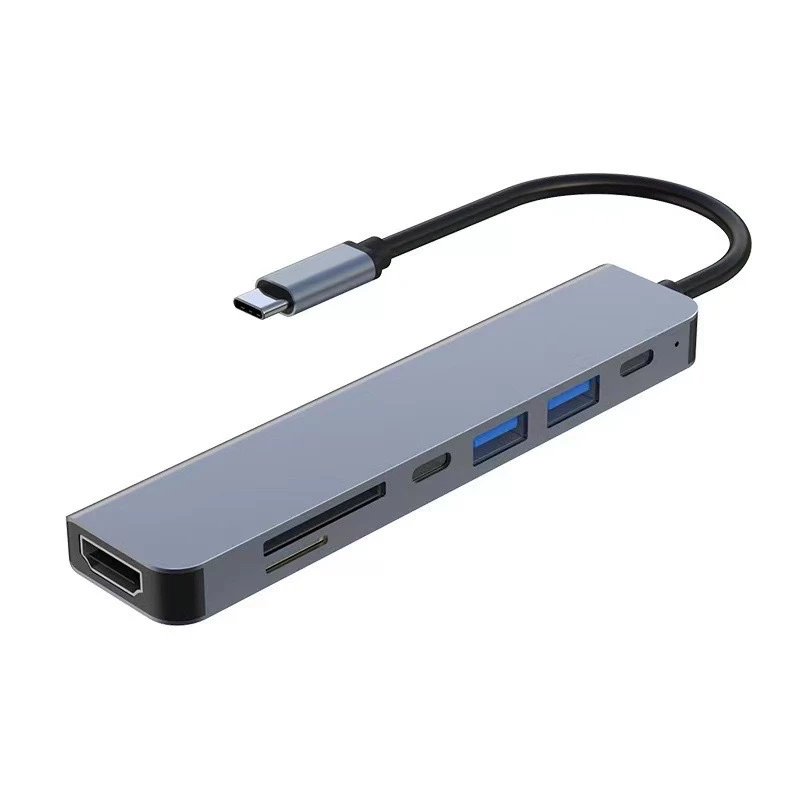
The seven-port option adds a dedicated USB-C data connection alongside USB-C PD charging, giving a USB-C accessory somewhere to plug in while your laptop receives power. It also includes 4K HDMI, two USB 3.0 ports and SD and microSD readers. That combination suits someone switching between memory cards, older USB accessories and newer USB-C devices. Select the 7-in-1 variant from the available configurations.
Check out how much it costs here: https://s.shopee.sg/2BFsODD4hm
6. 8-in-1 USB-C Hub With Ethernet and Card Readers
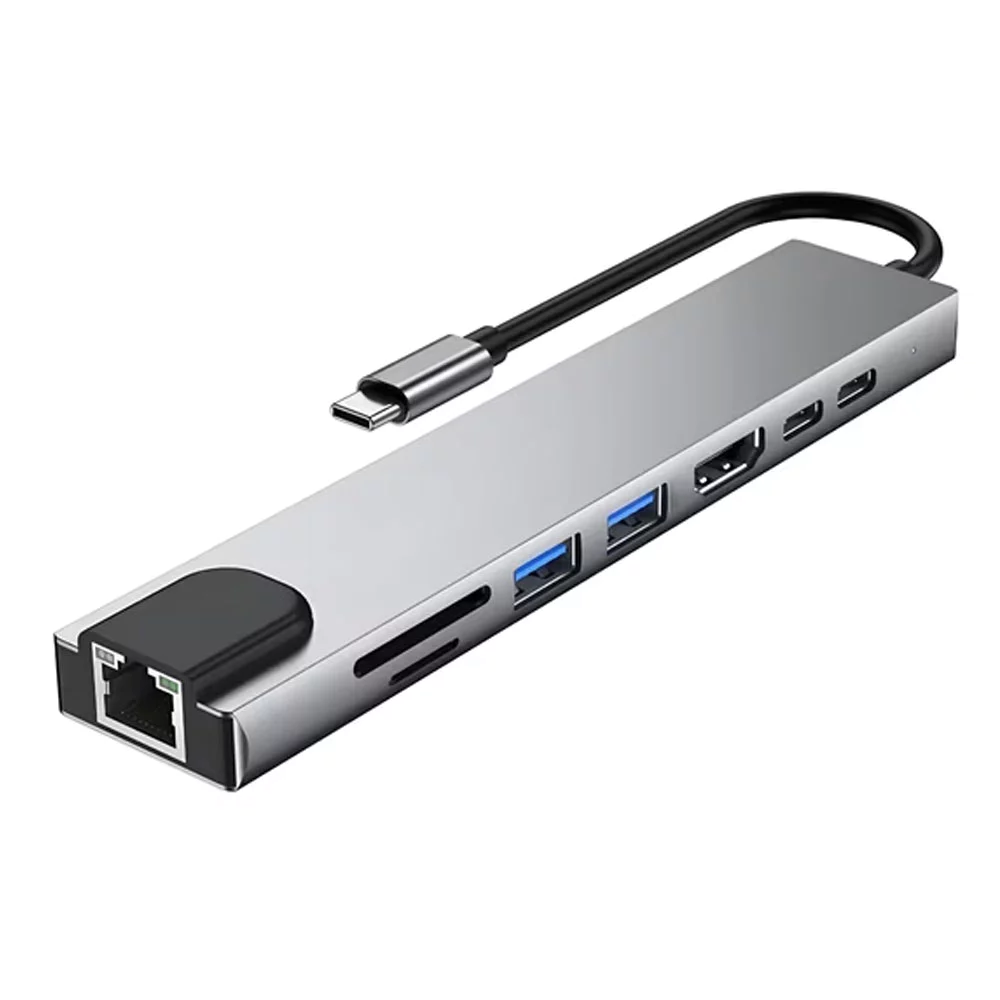
For a home desk that handles both work and photo transfers, this hub combines 4K HDMI, RJ45 Ethernet, two full-sized USB ports, SD and microSD readers, plus USB-C connections including PD charging. The Ethernet socket sits at the end, while the other connections run along the side. Having card readers and wired networking together makes it useful when your working day involves more than documents and video calls.
Check out how much it costs here: https://s.shopee.sg/8fTM78UgJG
7. 8-in-1 USB-C Hub With USB 3.0, USB 2.0 and 87W PD
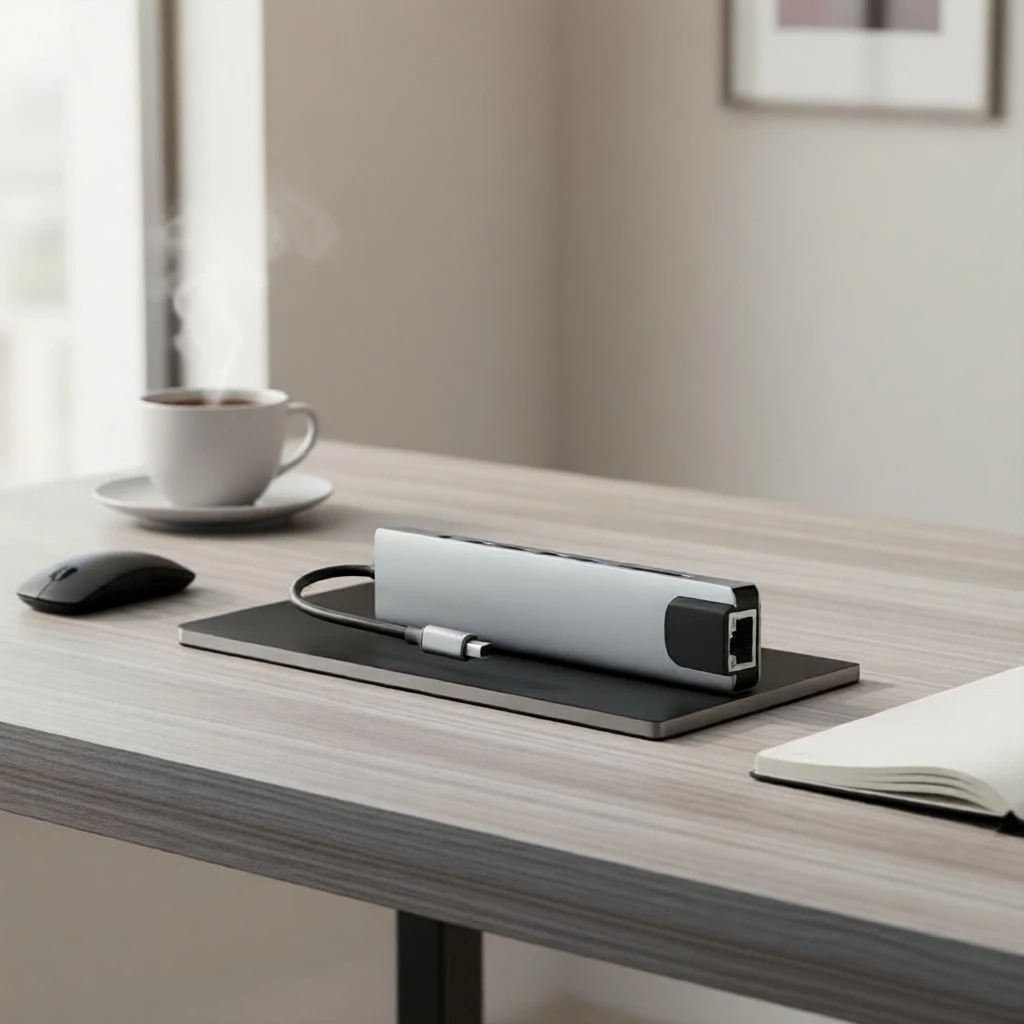
This hub combines USB 3.0 and USB 2.0 connections with 4K HDMI, SD and microSD readers, RJ45 Ethernet and 87W PD charging support. USB 2.0 is the slower standard, but remains useful for accessories such as a mouse or keyboard, leaving the faster connection for file transfers. Its elongated body and attached USB-C cable make it an option for keeping several different connection types together beside your laptop.
Check out how much it costs here: https://s.shopee.sg/9Kj2xHYm3J
8. 4-in-1 USB-C to Dual HDMI Hub
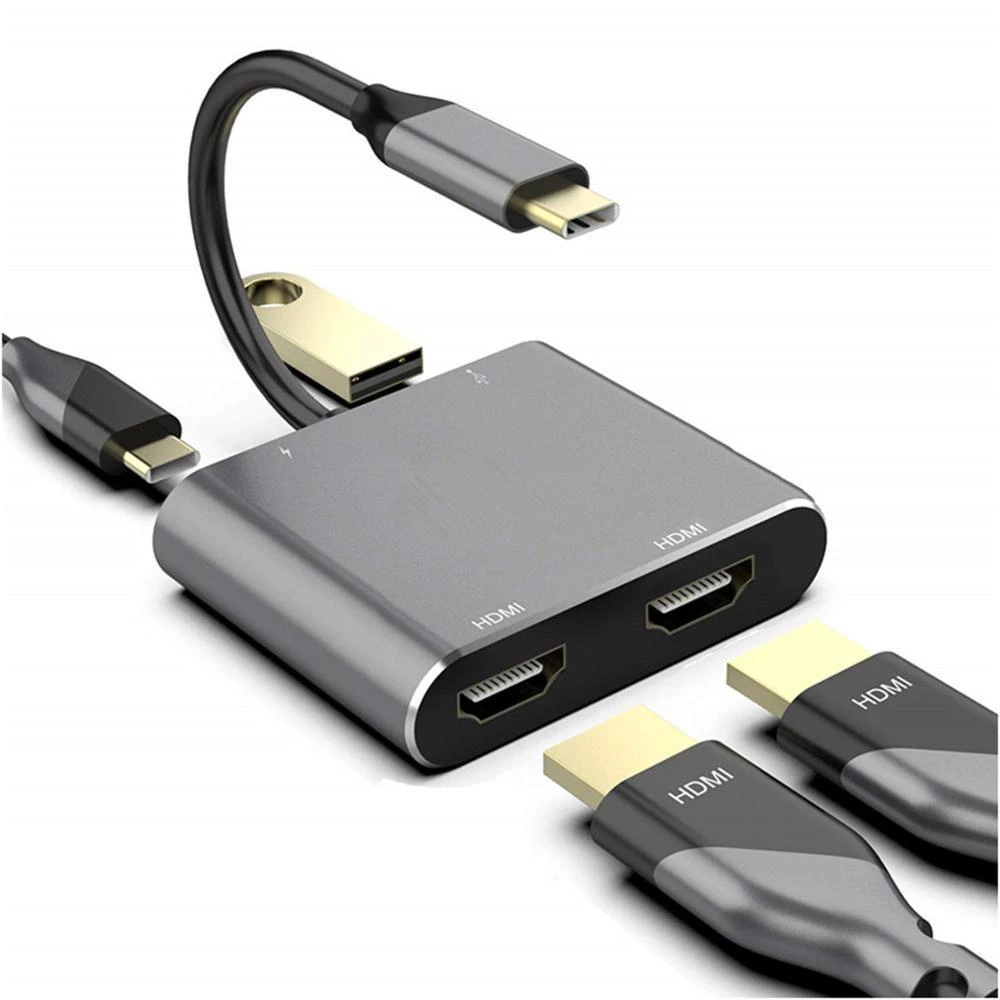
Two HDMI sockets make this worth considering for a setup with two external screens, while USB 3.0 and PD charging cover an accessory and power. Check compatibility carefully if you want different content on each monitor: with this adapter, the two external screens mirror each other on a Mac. Support for separate extended screens depends on your computer and operating system. This listing ships from Mainland China.
Check out how much it costs here: https://s.shopee.sg/4B0wl7pFUF
9. TP-Link UE300C USB-C to Gigabit Ethernet Adapter
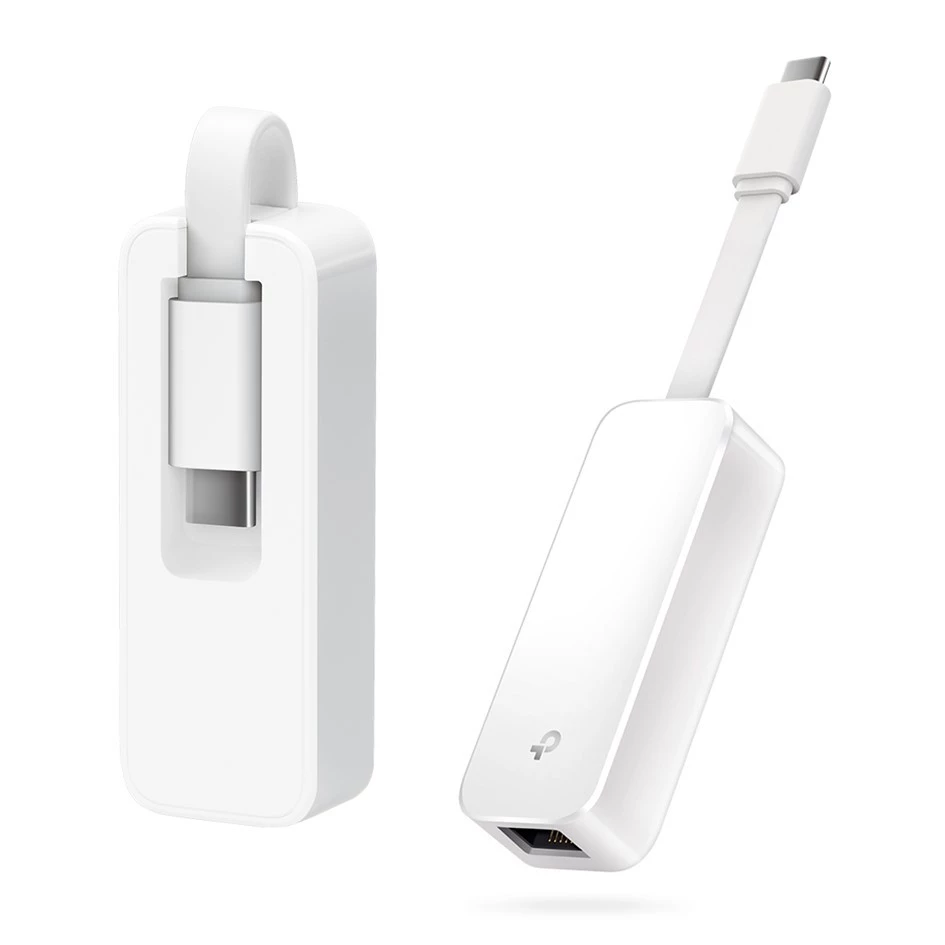
If wired internet is the only connection you need, the UE300C keeps things simple with one USB-C connector and one gigabit RJ45 Ethernet socket. It supports network speeds up to 1,000 Mbps, subject to your connection and equipment. Its white body has a recess for folding the short cable back into place, making it easy to pack for a desk or hotel room with an available Ethernet connection.
Check out how much it costs here: https://s.shopee.sg/8KqVkfmcYj

